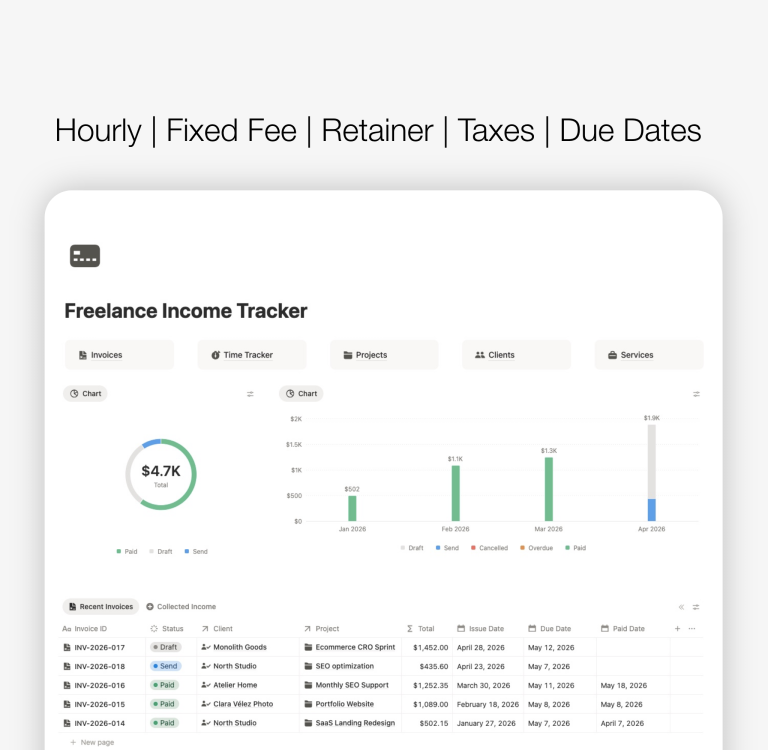
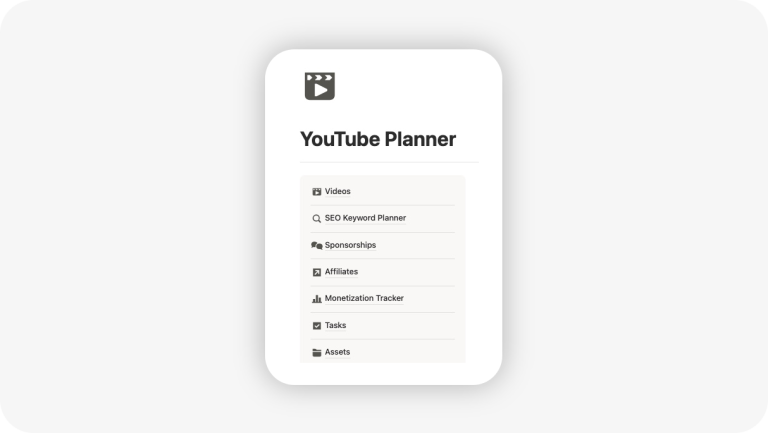
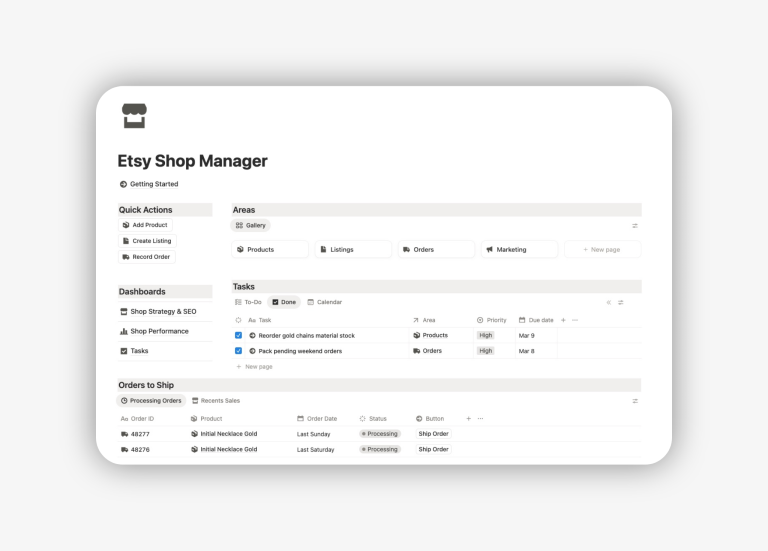
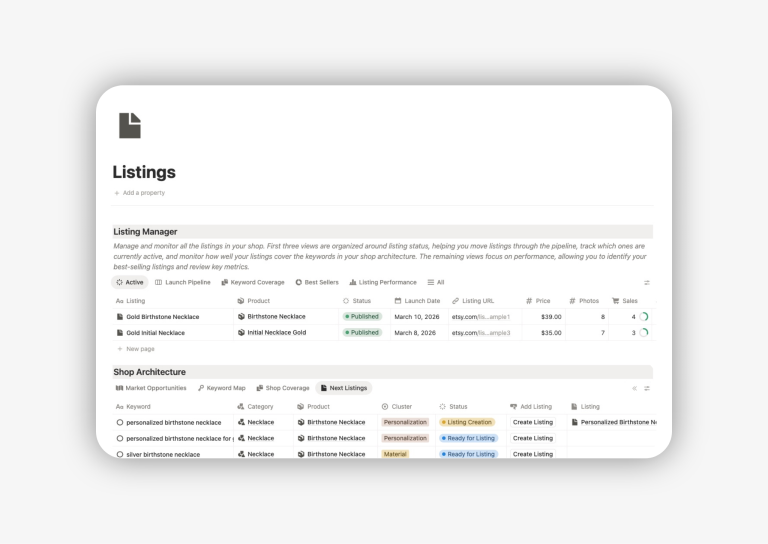
Notion Templates
Find the best Notion templates (free and premium) for you based on your needs: productivity, work, school and life.
Notion Templates for Productivity
These templates help you build powerful systems that save time and increase focus. With advanced structures and proven workflows, they allow you to plan smarter, execute faster, and stay consistent without trial and error.


Notion Templates for Work
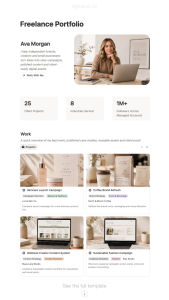
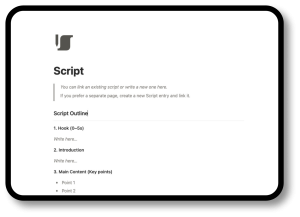
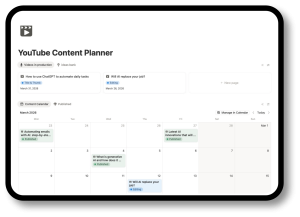
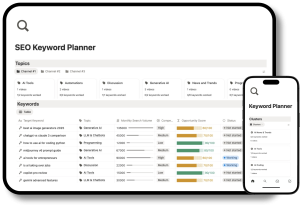
Manage projects, tasks, and workflows with clarity and control. Built for professionals and teams, these Notion templates provide scalable systems that improve organization, collaboration, and overall performance.


Notion Templates for Students
These Notion templates for students are created to support academic success with well-structured planning systems. From semester planning to exam tracking, they help students stay organized, reduce stress, and perform at their best.
Notion Templates Free
Get started with Notion using ready-to-use templates in all categories (work, personal, productivity, or studies).
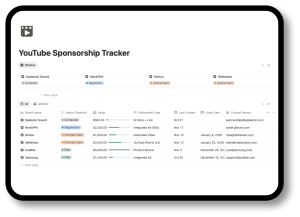
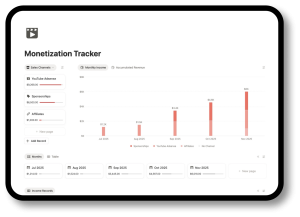


What is a Notion template used for?
Notion templates are pre-built systems designed to help you organize your work, studies, and personal life more efficiently. Instead of starting from scratch, you can use ready-made Notion setups to manage projects, track tasks, plan your week, or structure your academic and personal goals.
On this page, you’ll find a curated collection of the best Notion templates, organized by use case and needs. Whether you’re looking to improve your productivity, manage your work projects, stay organized in college, or bring clarity to your daily life, these templates are designed to save time and reduce friction.
Each category below focuses on a specific goal, making it easier to find the right Notion template for your workflow. From simple dashboards to more advanced systems, you can explore different solutions and choose the one that fits the way you work and think.
How to Use Notion Templates
Notion templates make it easy to organize your work, projects, and ideas without starting from scratch. Here’s a simple step-by-step guide to using any template from our collection.
Step 1 — Create a Notion account: Sign up for free and open your workspace. Most templates work perfectly on the free plan.
Step 2 — Duplicate the template: Click “Duplicate” (top-right button) to add the template to your workspace. This makes it yours to edit and use freely.
Step 3 — Add your own info: Replace example content with your own tasks, projects, notes, or ideas.
Step 4 — Understand template structure: Most templates use interconnected databases, so updates in one place automatically reflect in related pages.
Step 5 — Customize to your workflow: Once familiar, you can add or adjust properties, views, and automations to match your needs.
Final Tip: Keep it simple. Consistency matters more than complexity. These templates are designed to stay fast, clean, and easy to maintain.
You may be interested in