Notion YouTube Script Template Free
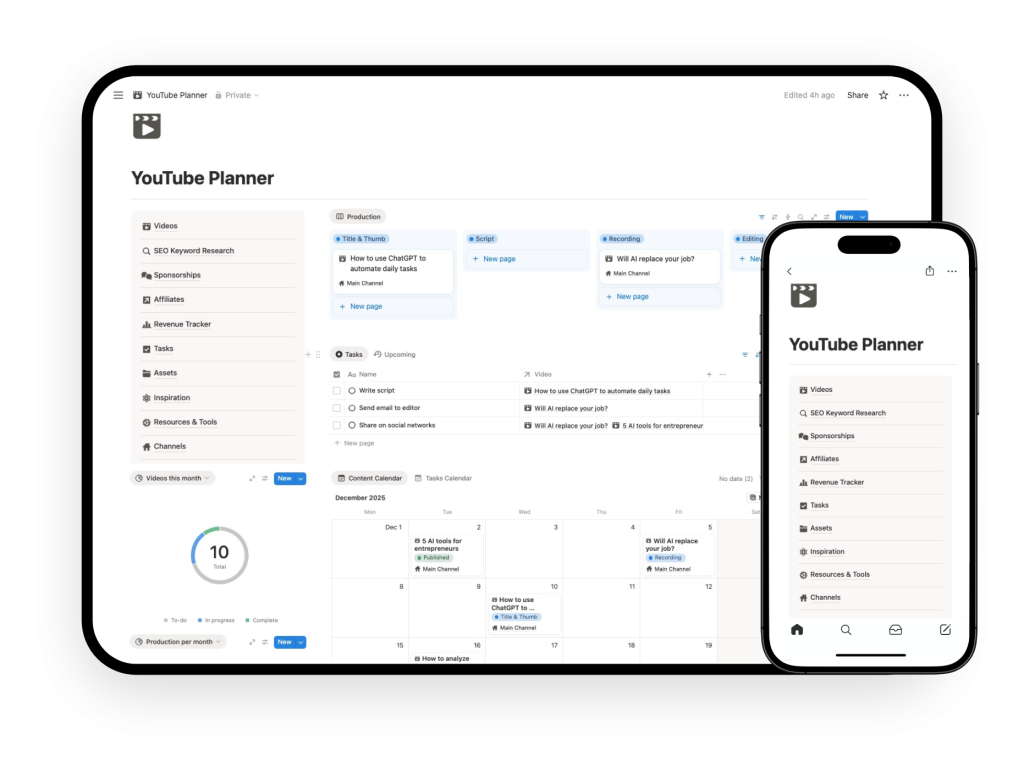
Use this free Notion YouTube script template to organize drafts, outlines, and video talking points in one place. Want the complete system? Explore the full YouTube Planner.
What is the Notion YouTube Script Template?
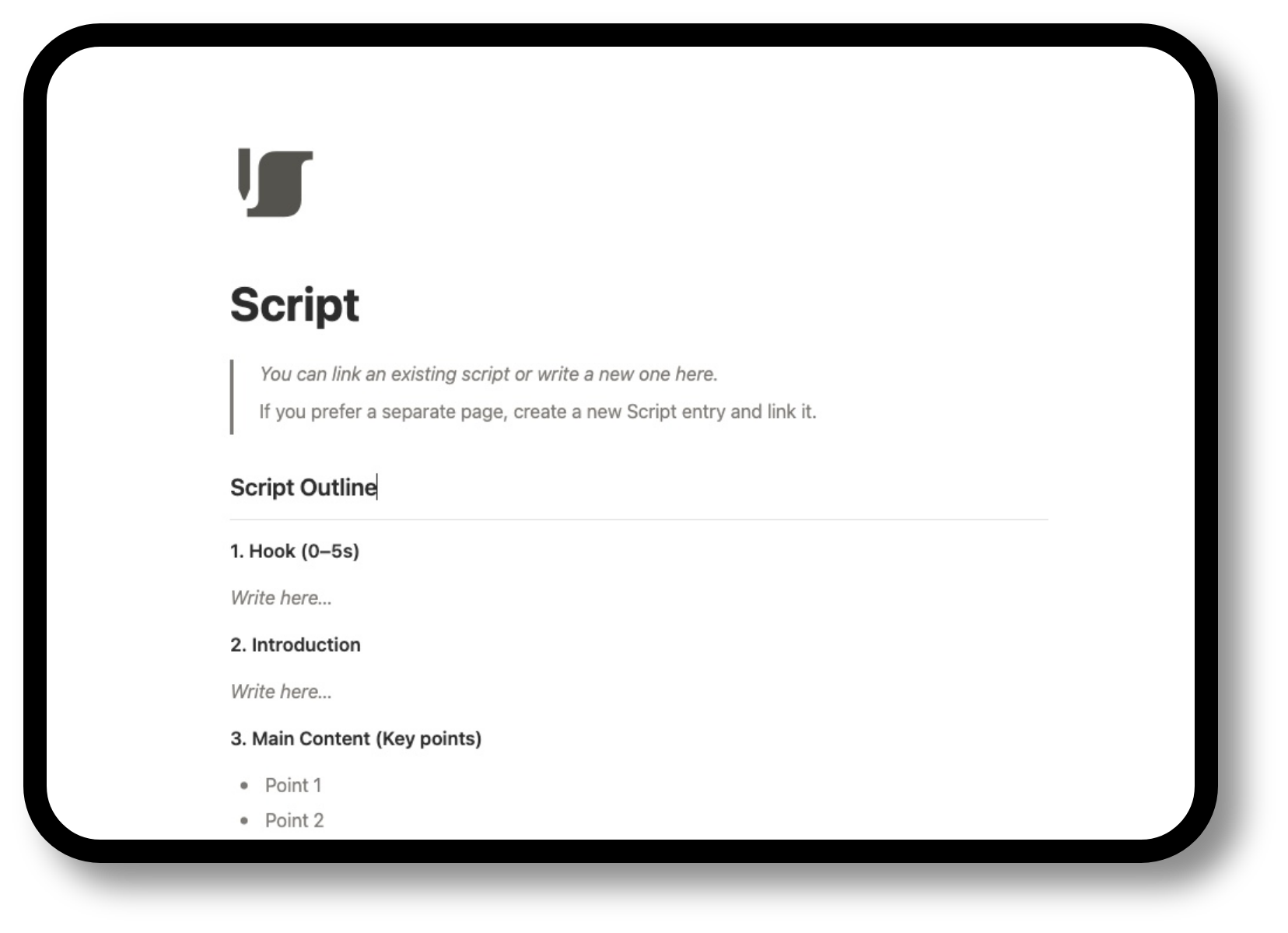
The Notion YouTube Script Template is a template designed to help creators write and organize video scripts inside Notion.
Instead of keeping rough drafts in scattered documents, collecting talking points in random notes, and losing track of what version of a script you are working on, this template gives you one structured place to manage the writing side of your channel.
It is built for the scripting layer of YouTube content.
That means it helps you move from idea to outline to script draft in a clearer way, while keeping your writing workflow more organized and easier to maintain over time.
This is not a full YouTube operating system by itself.
It is the scripting module focused specifically on helping you write, structure, and manage your YouTube scripts in Notion.
How the template helps your YouTube scripting workflow
A YouTube channel becomes easier to run when scripting is not handled in a messy, disconnected way.
Capture script ideas and angles
You can keep script ideas, hooks, and talking points in one place instead of spreading them across notes and documents. This helps you turn rough ideas into usable material more consistently.
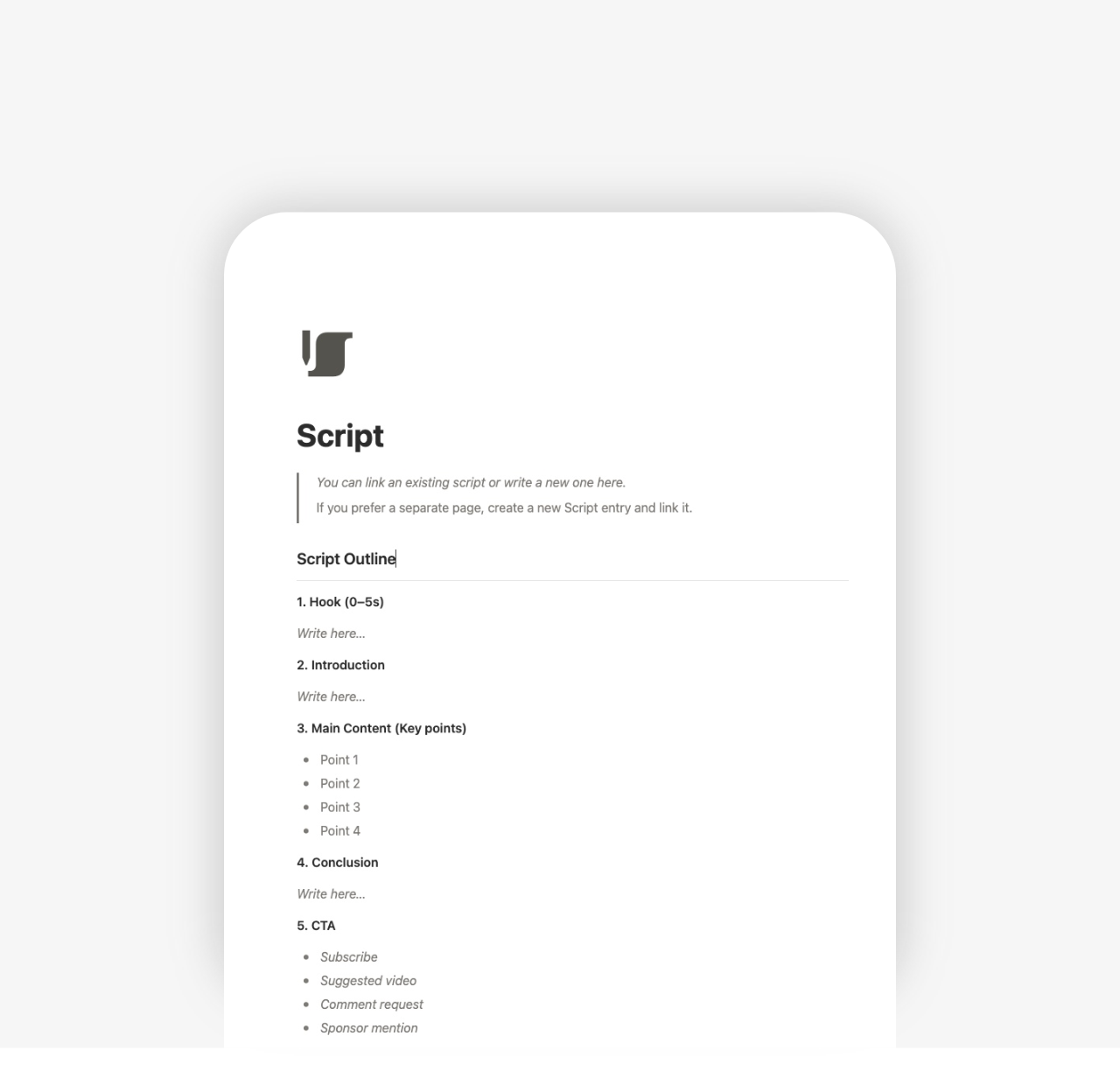
Build structured video outlines
Before writing the full script, you can shape the flow of the video with a simple outline. This makes it easier to organize sections, clarify the message, and reduce friction once you start drafting.
Write and organize full scripts
The template gives you one place to draft and manage your scripts inside Notion. Instead of losing momentum switching between tools, you can keep your writing workflow contained in one organized system.
Keep scripts connected to your video workflow
When scripting is tied to the content system, it becomes easier to understand what each video needs next. Your script is no longer isolated from the rest of the channel workflow.
How it works
- Duplicate the template into your Notion workspace
- Add it as the default template in your content planner, or duplicate it whenever you want to create a new script, and save them all on the same page.
This template is part of the full Notion YouTube Planner
This Notion YouTube Script Template is part of the full Notion YouTube Planner.
If your main issue is writing and organizing scripts, this module may already give you the structure you need.
But if you want a more complete system for running your channel, the full planner expands this with connected modules for:
- content planning
- individual video management
- monetization tracking
- sponsorship tracking
Explore the full Notion YouTube Planner if you want one connected system for planning, scripting, publishing, and channel operations.