

Notion Assignment Tracker Template
Your academic workload doesn’t have to feel chaotic. The Notion Assignment Tracker Template turns your list of deadlines, projects, and exams into a simple, visual system you can manage in minutes.
Perfect for college students, university learners, and remote students, this template gives you total clarity and control over every assignment — from planning to submission.
Notion Assignment Tracker Template Features
A central hub for all your coursework, say goodbye to juggling spreadsheets, reminders, and sticky notes. The Assignment Tracker for Notion keeps all your academic work organized in one place — assignments, due dates, notes, links, and progress.

📅 Assignment Dashboard
See your entire academic workload at a glance.
- Filter assignments by subject, status, or due date
- Check what’s urgent with color-coded indicators
- Add quick links to related class notes or documents
Your dashboard updates automatically as you add or complete tasks — so you’re always one step ahead.

🧾 Detailed Assignment Database
Every assignment has its own detailed page.
- Title, subject, due date, status, and priority level
- Add resources, instructions, or submission links
- Record grades or feedback after submission
Everything is in one click. No more last-minute searches through your inbox or campus portal.

📚 Course Integration
Connect assignments directly to your subjects or courses.
- Group assignments by subject
- Track how many are completed per class
- Access related notes and exams from the same view
One Click Between Classes: No more switching between pages, each course becomes a self-contained system inside Notion.

🕒 Deadline Tracker with Smart Sorting
Never miss a due date again. See what’s coming up, plan revisions, and balance workloads with ease.
- Automatically sorts assignments by nearest deadline
- Highlight overdue or upcoming tasks
- View deadlines in weekly or monthly calendar formats
Connect Your Assignment Tracker with Courses, Notes, and Exams
The real strength of this system appears when you integrate it with the full Student Planner.
That complementary template allows you to connect each assignment to courses, exams, notes and class schedule.
Together, these linked databases form a complete academic workflow — one where your Assignment Tracker becomes more than a task list, but the central hub of your entire study system.
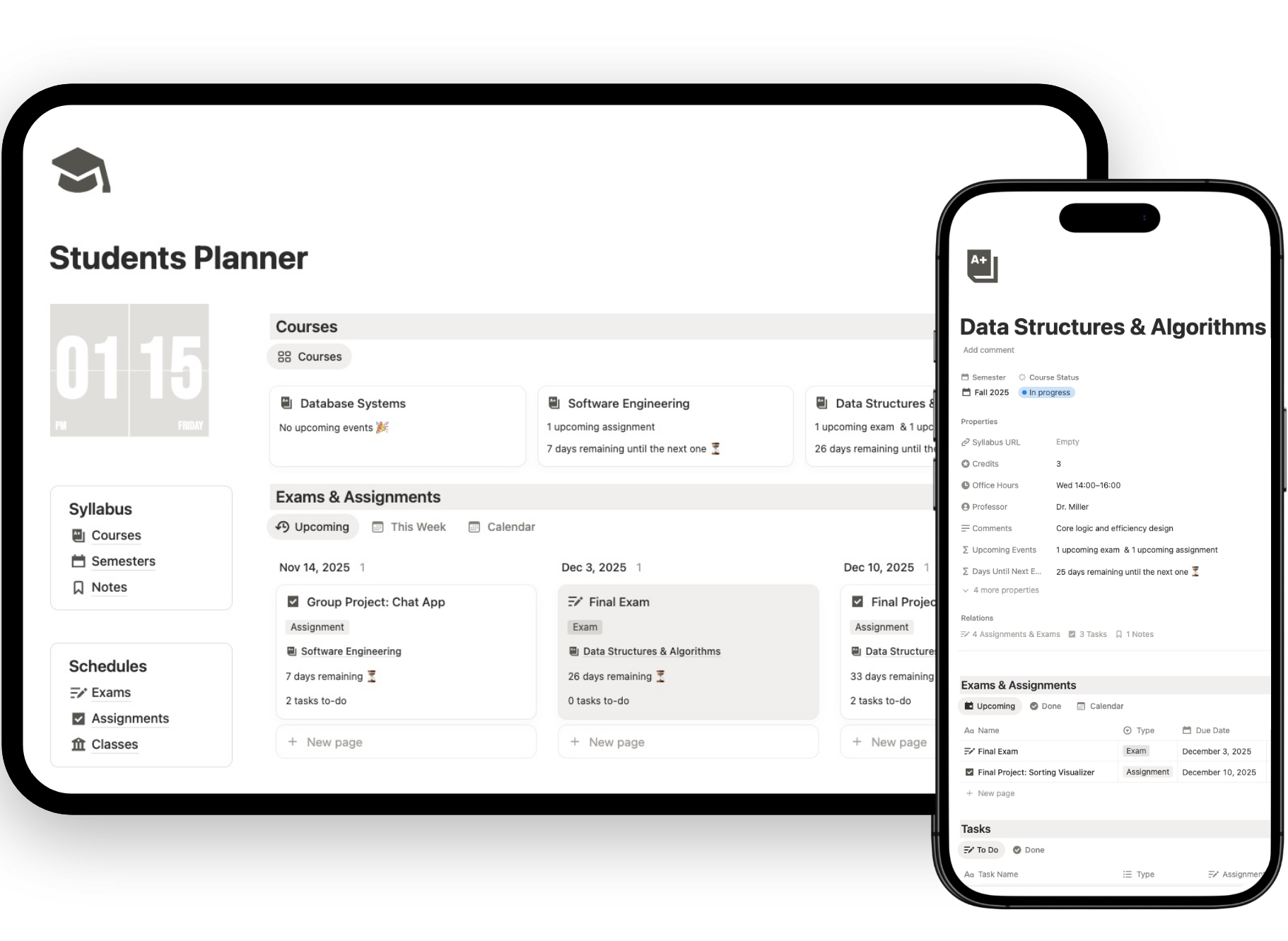
Ready to simplify your study life?
The Notion Assignment Tracker is included inside the full Notion Student Planner Template, ready to customize and use from day one.
How to Get the Notion Assignment Tracker Template
Setting up your Notion Assignment Tracker in Notion takes just a few minutes:
- Click “Get Template”
- Duplicate it into your Notion workspace
- Add your assignments, subjects, and start tracking instantly
You’ll receive lifetime access and free updates.
Who Should Use This Notion Assignment Tracker
- College and university students
- High school students managing multiple subjects
- Online learners and remote students
- Anyone who wants a simple, structured system for coursework
If you’re tired of missed deadlines or last-minute stress, this template is built for you.
Benefits of the Notion Assignment Tracker Template
- Gain complete control over your assignments
- Eliminate procrastination through structure
- Save hours organizing and planning
- Improve time management and academic performance
- Keep all your coursework, notes, and grades connected
Upgrade to Life Planner Pro
👉 The Notion templates for students is just the beginning: unlock full digital planner.
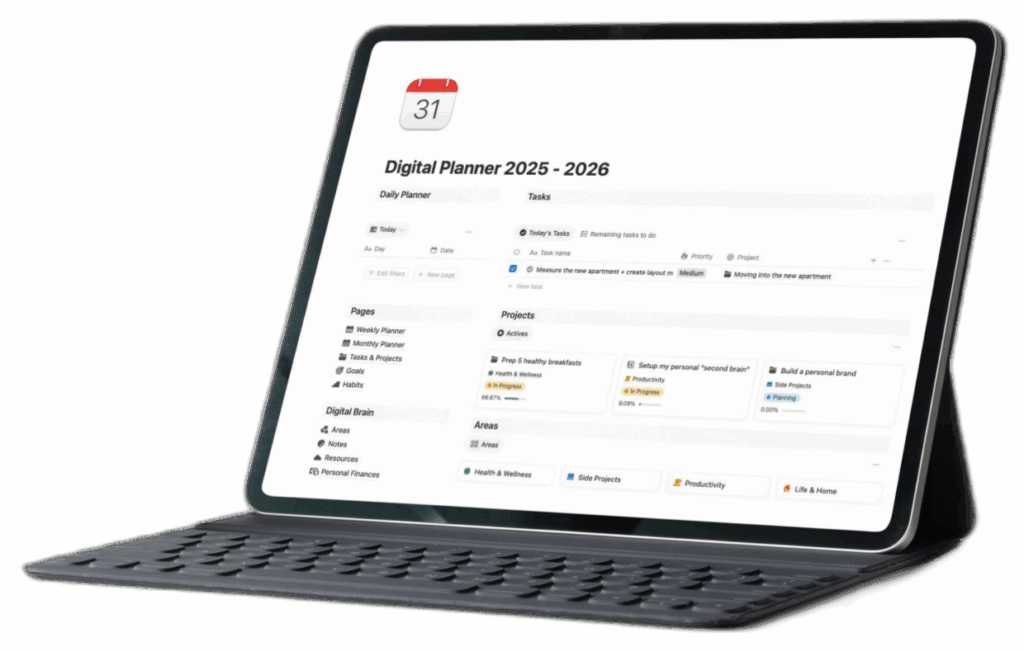
Fully Customizable and Easy to Use
- Works perfectly on Notion Free Plan
- 100% editable — adapt it to your study system
- Works across desktop, tablet, and mobile
- Includes setup instructions and ready-to-use views
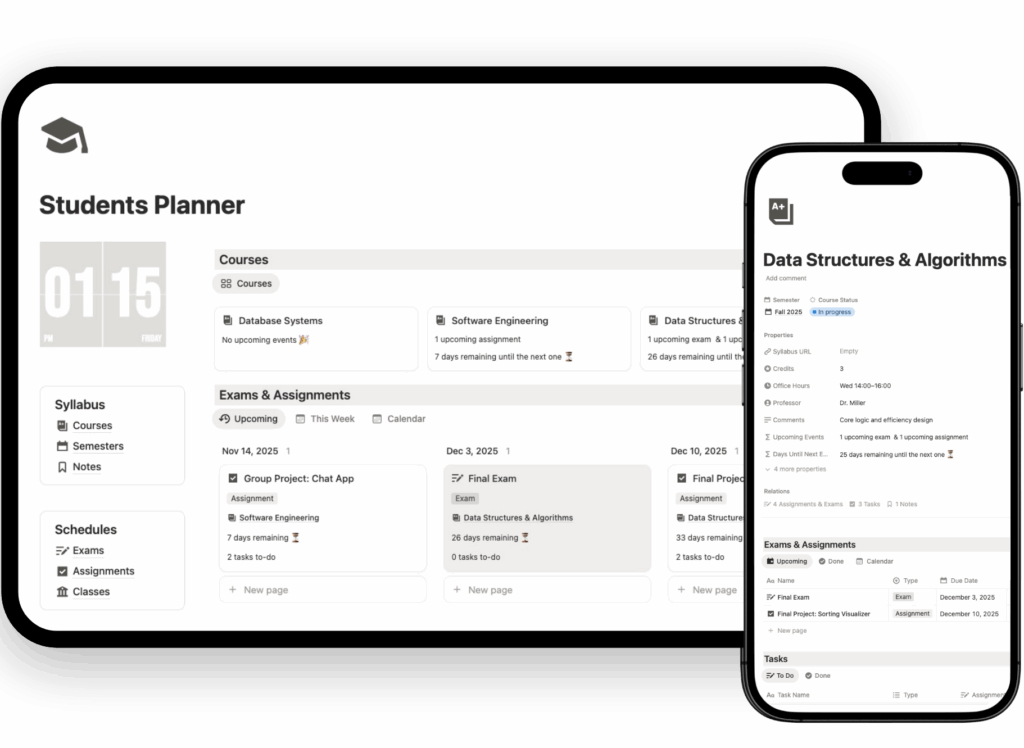
FAQs About the Notion Assignment Tracker
Do I need the paid version of Notion?
No. It’s fully compatible with the free version.
Can I track exams and projects too?
Yes. You can easily customize databases for essays, reports, exams, or group work.
Can I use it with my class schedule?
Yes. It integrates seamlessly with class or course databases.