
Free Notion To-Do List Template
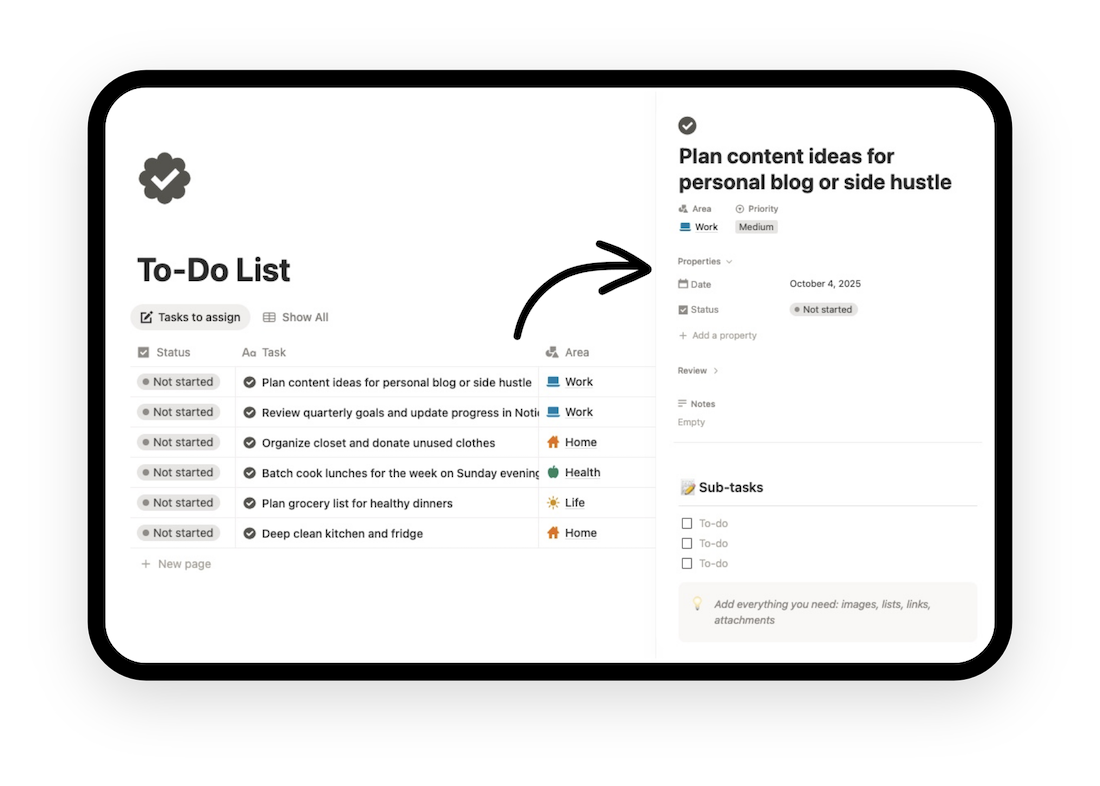
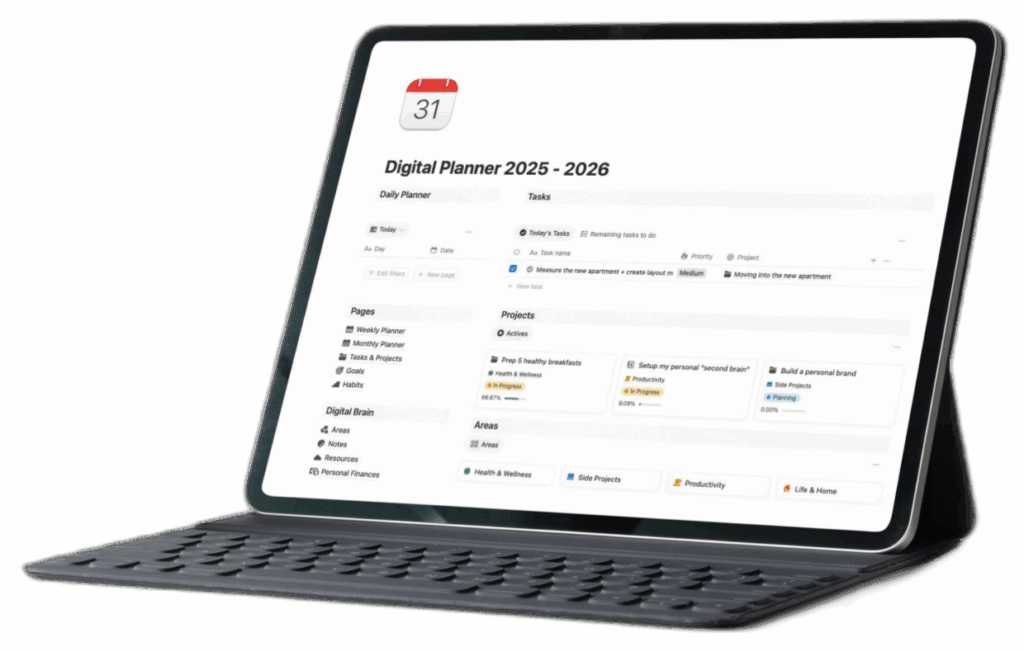
Free Notion To-Do list template to capture new tasks instantly, assign priorities, set deadlines, and check progress across multiple views (Today, Upcoming, Completed). The layout is minimalist yet structured — every section serves function over noise.
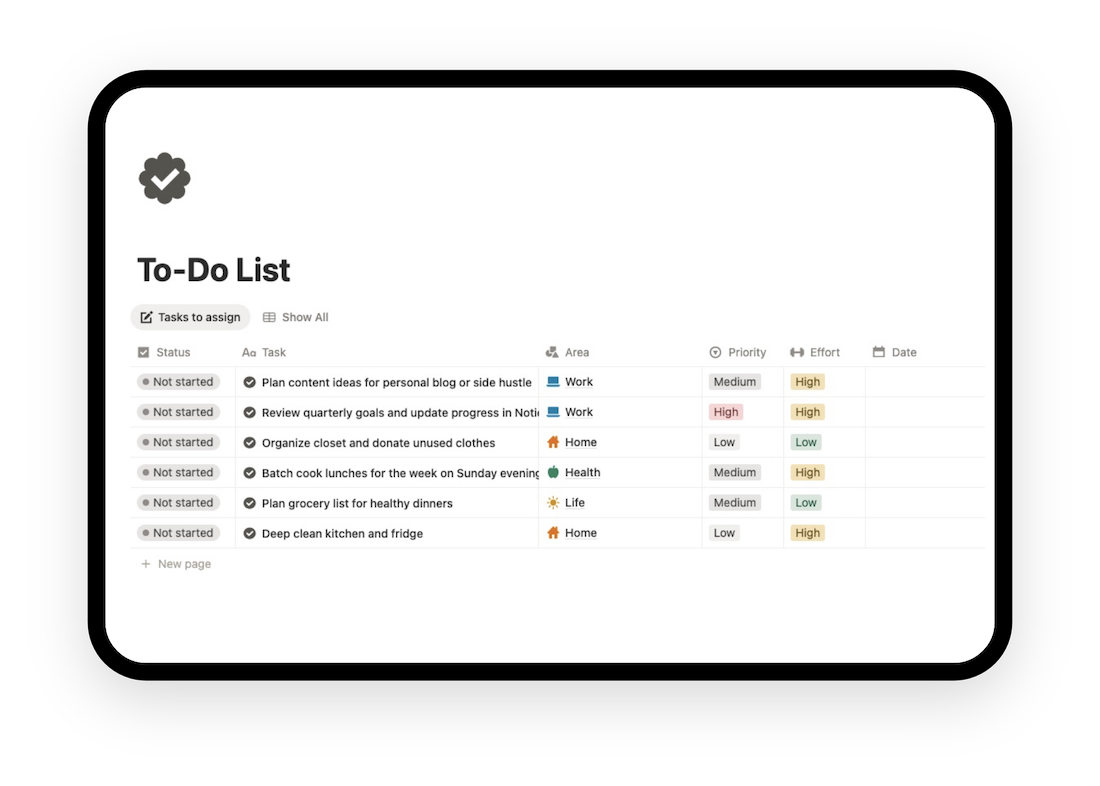
What’s included in this Notion Task Organizer?
This isn’t just a list with checkboxes. It is a lightweight productivity system designed to reduce cognitive load:
- Quick Capture: Add tasks instantly with one click.
- Priority System: Classify your tasks by High, Medium, or Low importance to tackle what matters most first.
- Deadline Management: Built-in “Due Date” properties ensure you never miss a deadline again.
- Linked Projects: Connect tasks to larger goals or areas.
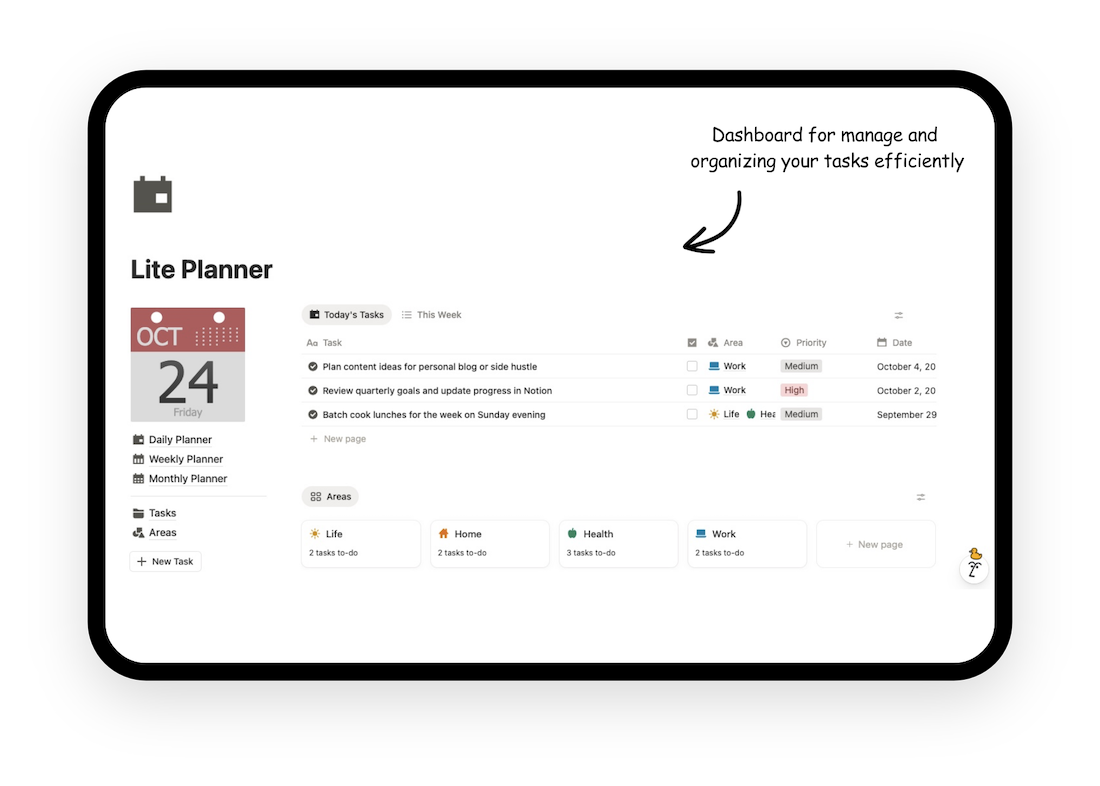
- Smart Views:
- Today Planning: Automatically filters what you need to focus on right now.
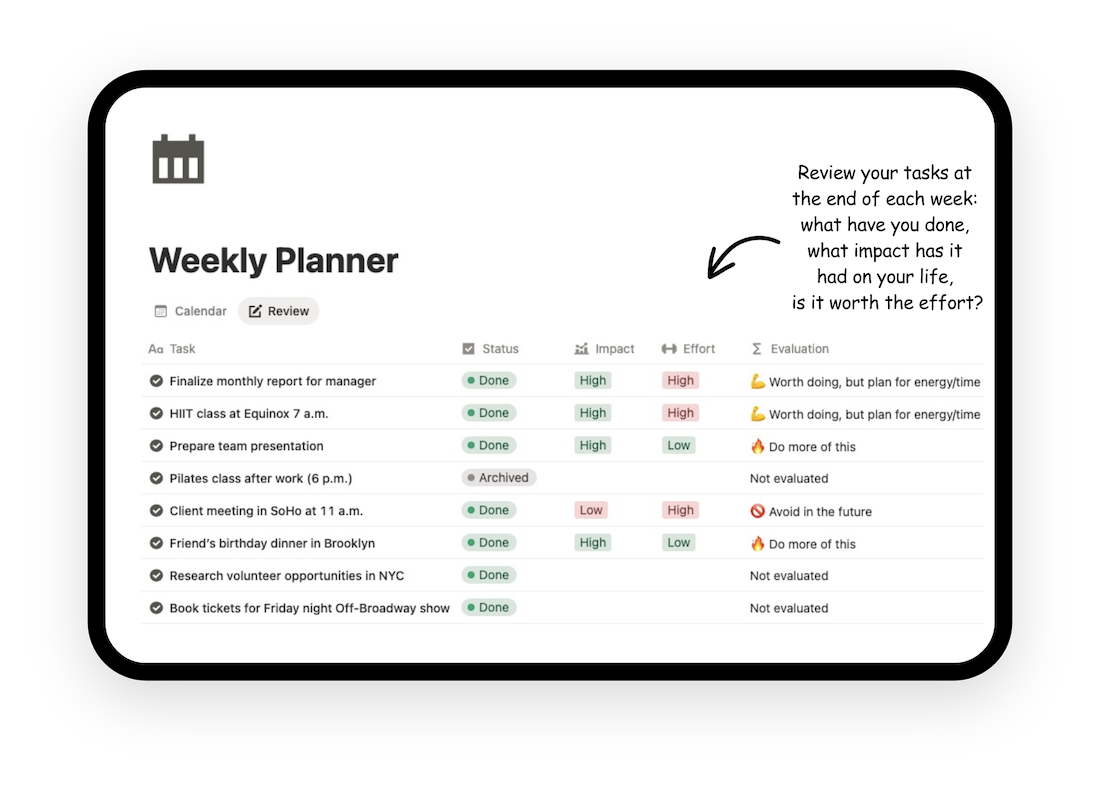
- Daily & Weekly Planning: Plan short-term and long-term with built-in filters.
- Overdue View: Keeps track of tasks that slipped through the cracks.
- Responsive Design: Looks perfect on your desktop and works seamlessly on the Notion mobile app.
- Minimalist Interface: Optimized for clarity, both in desktop and mobile.
Download the Notion To-Do List Template — Free & Customizable
Use it instantly. Works on desktop, tablet, and mobile.
How to use this free To-Do List Notion template to skyrocket your productivity
- Capture: Use the “New Task” button to empty your mind. Don’t worry about the order yet—just get it out of your head.
- Process: Assign a Priority and a Date. If a task takes less than 2 minutes, do it immediately (The 2-Minute Rule).
- Execute: Switch to the “High Priority” view and focus on one single item at a time.
- Review: At the end of the day, drag finished items to the “Done” column to get that dopamine hit.
Need more power?
This free Notion To-Do List template is perfect for simple daily management. However, if you are managing complex projects, a growing team, or an entire business, you need a full Projects & Tasks workspace, a complete Notion system designed to connect your tasks, projects and goals into one unified structure.
FAQs
Why Use a To-Do List in Notion?
Notion combines flexibility with structure. Unlike basic task apps, it lets you build a personalized productivity system that connects with your notes, goals, and projects.
This template replaces scattered task managers with a single, intuitive workspace. You can integrate it with your Notion calendar, goal tracker, or project dashboard — making it the central point of your workflow.
Can I use it for team projects?
Yes, it supports collaboration in shared workspaces.
Does it work on the free version of Notion?
Absolutely. You do not need a paid Notion Plus plan to use this template effectively.
Can I add recurring tasks?
Yes, with Notion’s native reminders or formulas.
Is this template really free?
Yes, 100%. We want you to experience the power of digital organization without any barriers.