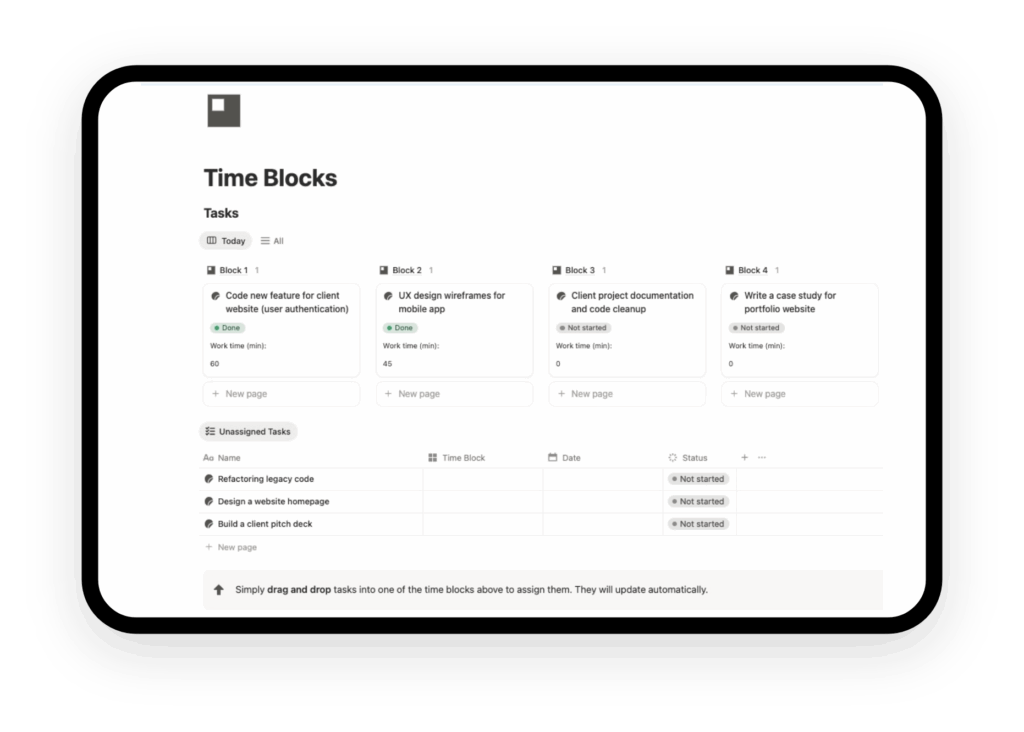
Notion Time Blocking Template
Boost your focus and track your real work time with Notion time blocking template. Combine time blocking and time tracking in a minimal dashboard.
Take control of your day with time blocks dashboard
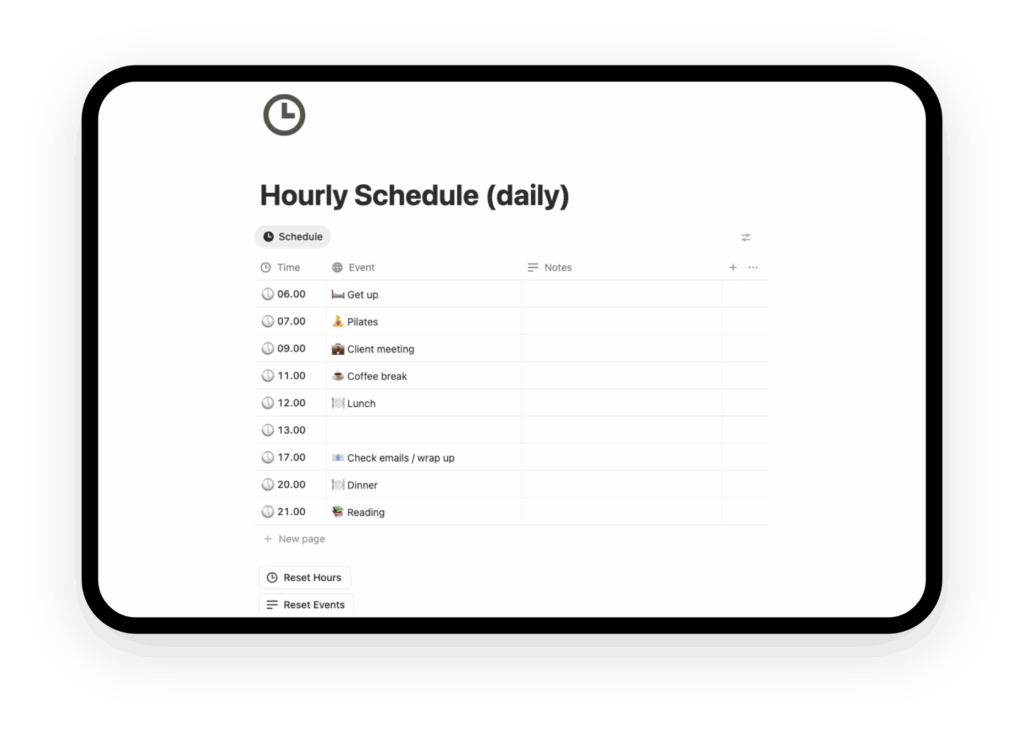
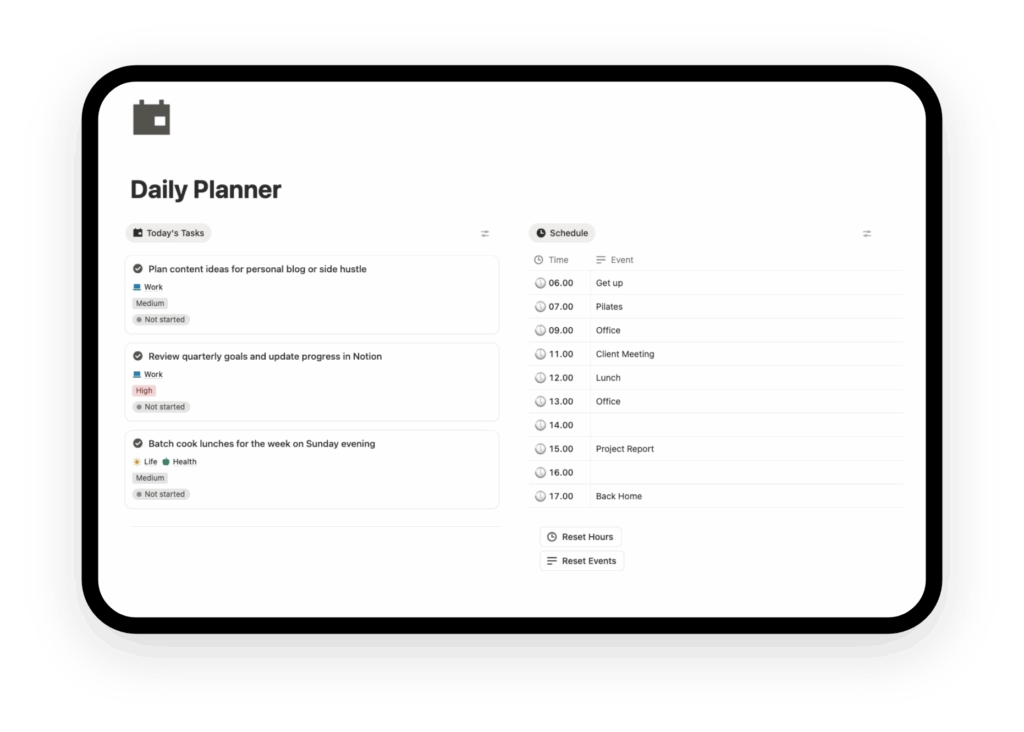
Organize your daily schedule into clear, manageable blocks. Assign specific tasks to each block, drag and drop them easily, and visualize how your time is distributed.
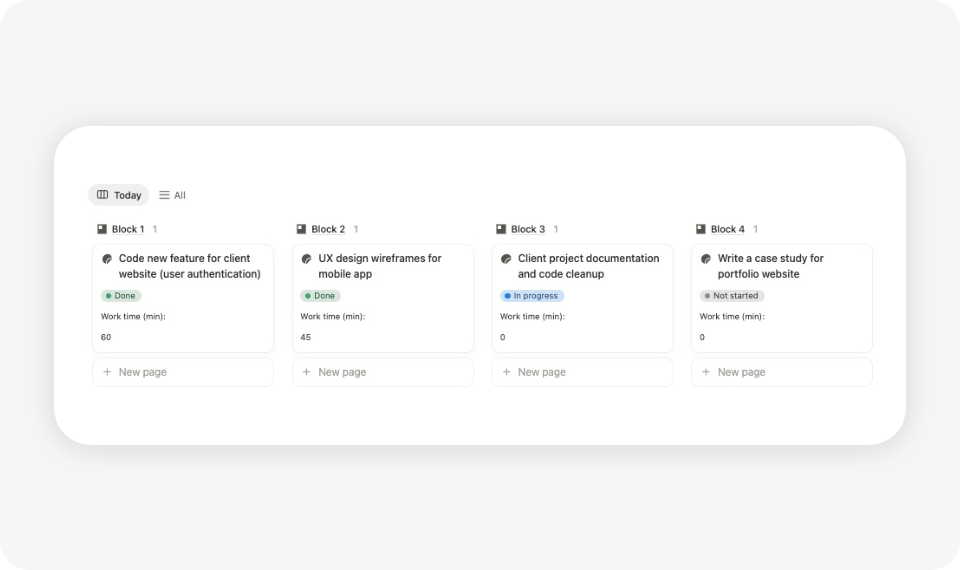
Smart Daily Time Blocks (AM / PM Structure)
The system leverages the time blocking method to divide your day into clearly defined chunks. Instead of a chaotic to-do list, structure your workflow around your natural energy levels. Whether you practice deep work in the morning or administrative tasks in the evening, this layout reduces decision fatigue.
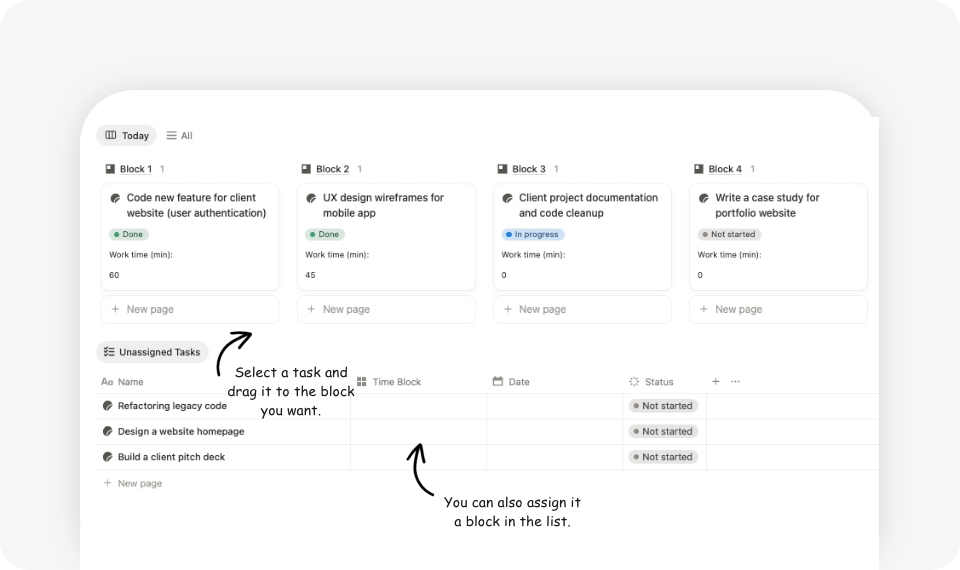
Intuitive Drag-and-Drop Planning
Forget about manually reorganizing endless lists. Our template utilizes Notion’s native database features allows you to simply drag and drop your tasks into the appropriate time slot. This makes daily planning visual and flexible, perfect for adapting to unexpected changes without breaking your productivity flow.
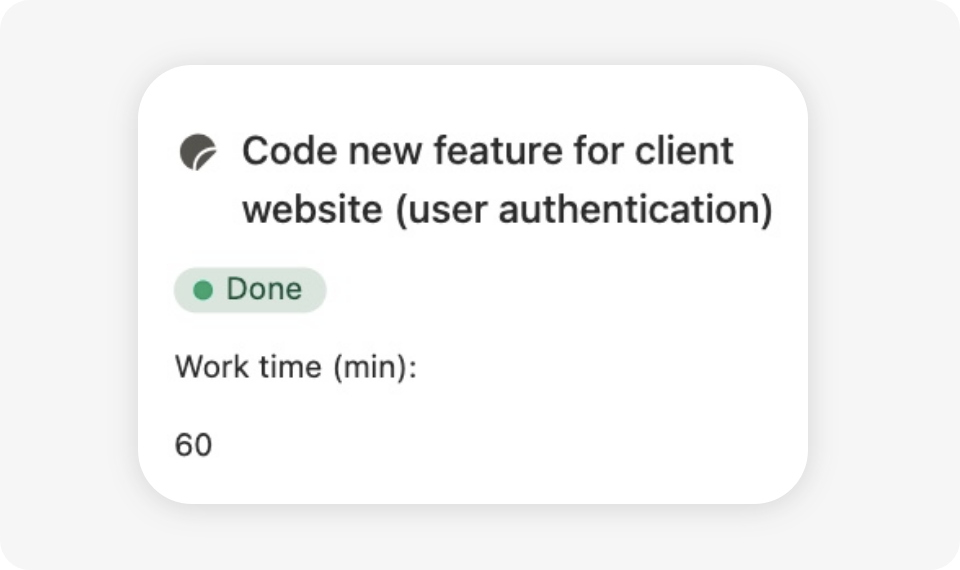
Work Time Tracking
Each task has a status system (not started, in progress, completed) that allows you to see your progress at a glance. In addition, the system automatically keeps track of the number of tasks completed per week and month, so you can measure your actual progress rather than relying solely on the subjective perception of “being busy.”
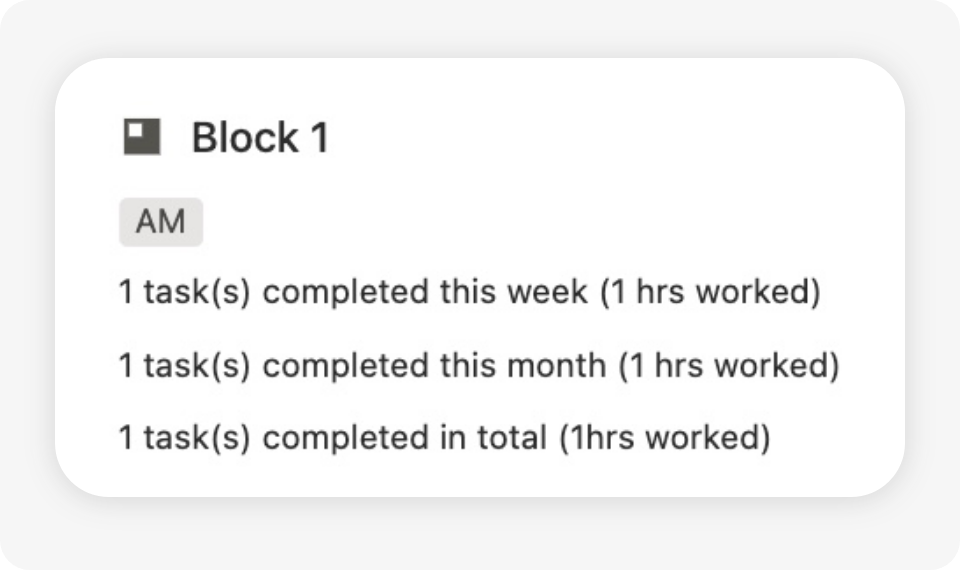
Weekly & Monthly Block Summaries
Each task includes an estimated or actual time property (in minutes), and the block automatically calculates the total minutes or hours worked. This allows you to check whether you are spending your time on what really matters, adjust your expectations, and optimize your daily workload. In practice, it is a simple but powerful way to track time without any additional effort.
How to use the Notion time blocking template
After download, you will receive a direct link to the Notion template.
- Duplicate the Notion time blocking template into your Notion workspace
- Add your daily tasks
- Drag each task into a time block
- Track how much time you actually work
- Review your weekly and monthly progress
Works with Free & Pro Notion accounts
Accessible on desktop, tablet, and mobile.
Why use a time blocking system in Notion?
Time blocking is a proven productivity method used by top performers. It helps you avoid multitasking, reduce decision fatigue, and stay focused on one task at a time.
This template turns Notion into your daily productivity hub, combining planning, execution, and reflection in a single dashboard.

Want to bring all your goals, habits, and projects together?
The All-in-One Notion Planner includes this Time Tracker Template along with integrated systems for goals, tasks, and planning — giving you a complete productivity ecosystem in Notion.