Notion Templates for Work
Whether you manage a digital business, run a side hustle, tracking sales, create content, or work as a freelancer, these templates give you a clean and scalable workspace.
Find the best Notion templates for work and build a more organised, productive, and scalable workflow. These templates are designed for solopreneurs, digital business owners, content creators, and teams who want a clean system to manage projects, tasks, operations, and day-to-day work processes.

Table of Contents
Best Notion Templates for Business & Side Hustles
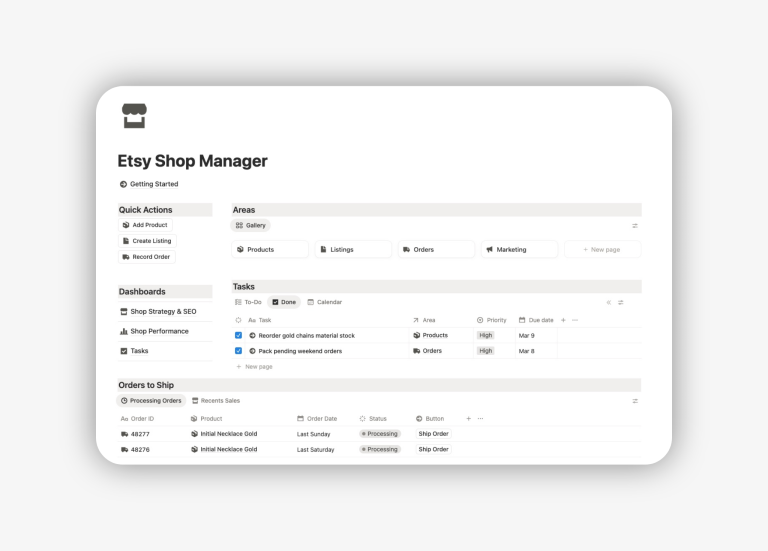
Notion Digital Business OS Template
The Digital Business OS is an all-in-one work dashboard for managing every area of your online business in one connected workspace. It centralises projects, tasks, products, content pipelines, marketing, and sales rollups so you can work with clarity instead of scattered apps.
Ideal for: side hustle, ecommerce manager (shopify and etsy shop sellers), startup, and freelance.

Notion Sales Tracker Template
Take control of your business finances without complex accounting software. This template focuses on tracking revenue, sales, and profit in real-time. It utilizes related databases to connect your sales with the calendar and sales channels, helping you visualize exactly which channels are driving the most profit.

Notion Brand Kit Template
Maintain your business brand identity by organizing all your assets in one place. This template lets you store logos, color palettes (HEX codes), typography, and style guides to easily share with external designers or new employees. This nsure brand consistency across projects, platforms, and client work.
No more searching through Google Drive folders to find the right logo file. Ideal for Marketing managers and business owners.

Best Notion Templates for Creators
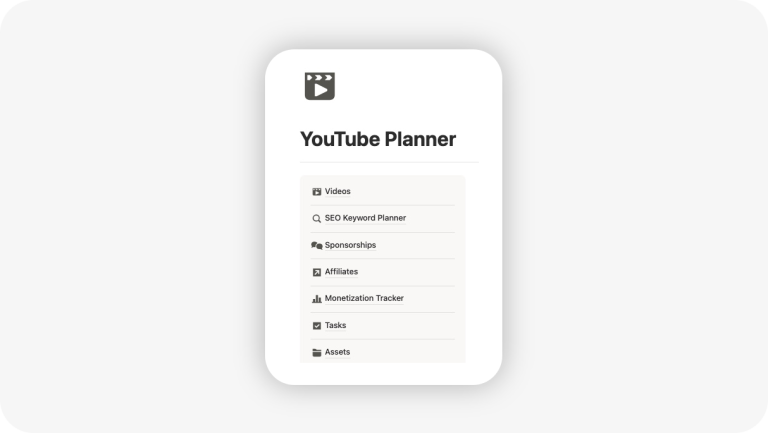
Notion YouTube Planner Template
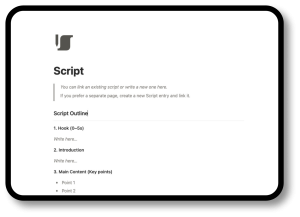
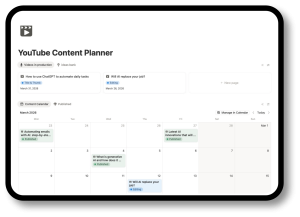
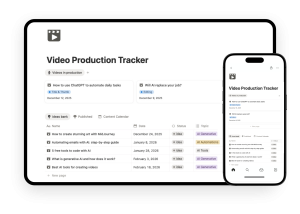
A complete YouTube workflow designed to manage your entire production workflow: from idea generation and scriptwriting to the final upload checklist and promotion strategy. It includes databases for ideas, scripting pages, asset management, publishing calendars and analytics sections, all of which help to keep your production cycle organised.

Notion Content Planner Template
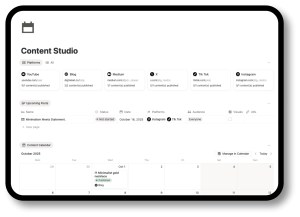
A multi-platform social media content management system for plan ideas, drafts, campaigns, and publishing schedules. Built for creators and marketers who want a repeatable, predictable process for planning and producing content across different channels (Instagram, LinkedIn, Twitter (X), TikTok…)

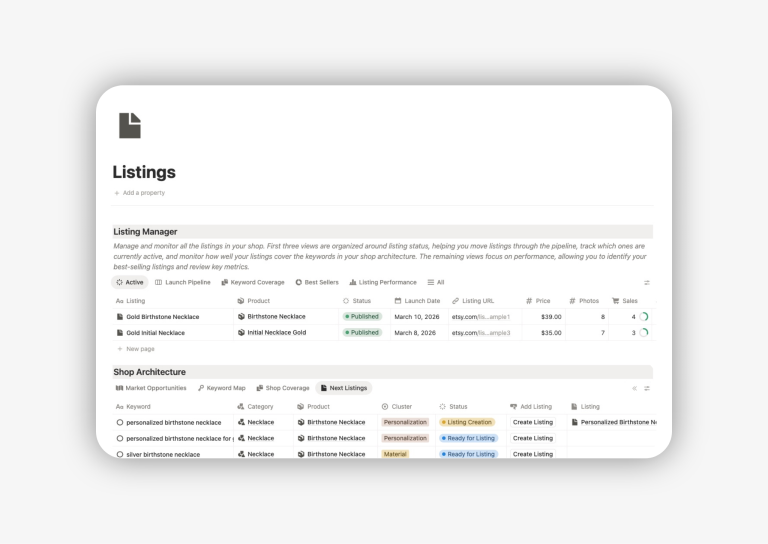
Notion Keyword Planner for YouTube
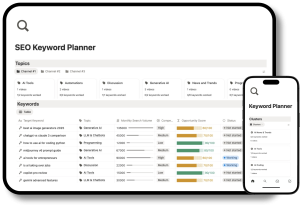
Manage your keyword research, group by clusters, evaluate opportunities, and plan videos.

Best Notion Templates for Freelances
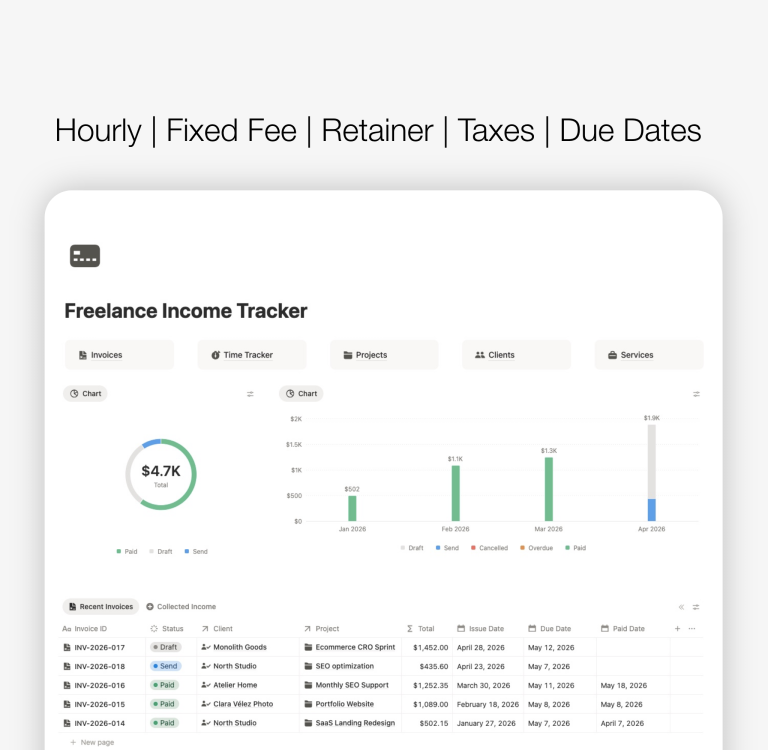
Notion Freelance Manager Template
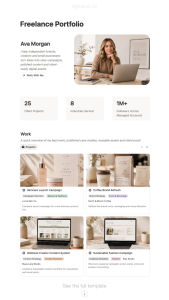
A streamlined Notion template built for freelance professionals. Manage clients, leads, tasks, documents and finances in one organized hub.

Notion Real Estate CRM & Manager Template
A streamlined Notion template built for freelance real estate professionals who need to manage properties and buyers simultaneously. Link every property to potential leads, organize viewings, and keep all legal documentation secure and accessible from your mobile device.

Custom Notion Template for Your Work
Can’t find a template for your profession? I can design a fully personalized Notion system tailored to your workflow—whether you’re a designer, consultant, marketer, photographer, or any other type of freelancer.
Or send an e-mail to digitalsetco@gmail.com

Best Notion Templates for Work


Free Notion Templates for Work

Why These Notion Templates Improve Your Work
These Notion templates for work are built to streamline daily tasks, reduce friction, and help you manage complex workflows without extra tools. Using structured systems improves decision-making, increases productivity, and creates a workspace that grows alongside your projects, content, or business.
Browse the templates, explore each system, and choose the one that matches how you work. Integrations, advanced dashboards, and additional resources can be added later to build an even more powerful setup.
In addition:
- Compatible with all devices: laptop, tablet and mobile.
- Syncs automatically across devices.
- Fully editable templates
- Ideal for entrepreneurs, freelances and creators.
How to Use These Notion Templates for Work
Step 1 — Create an account on Notion
Sign up for free and open a new blank page.
Step 2 — Duplicate a template for work.
Use a Notion Digital Business OS or templates such as Sales Tracker or Content Planner depending on what your job requires.
Step 3 — Start by centralising your work
Import the template and move your current tasks, projects, content ideas, or clients into the system. Having everything in one workspace gives you a clear overview and eliminates scattered documents and tools.
Step 4 — Connect related work areas
Most templates include databases that link together—tasks, projects, content pieces, clients, assets, or sales activity. Use these connections to build a workflow where information flows automatically instead of living in isolated pages.
Step 5 – Use the dashboards for daily and weekly planning
Each template includes views designed for real work: today, this week, upcoming deadlines, active projects, or content in production. Make these pages your daily hub. They help you stay focused and reduce decision fatigue.
Step 6 – Add your own workflows when needed
Notion is flexible. Once you’re familiar with the structure, you can add fields, views, automations, or integrations to tailor the workspace to your needs. Start simple and extend only when it improves your workflow.
Step 7 — Keep the system lightweight
The key to using Notion for work is consistency, not complexity. These templates are built to stay fast, clean, and functional—so you can rely on them daily without overbuilding.
FAQs
What are the best Notion templates for work?
The best Notion templates for work are the ones that help you organise your projects, clients, content, and business operations in a single system. Templates like a Digital Business OS, Sales Tracker, Content Planner, YouTube Planner, and Freelance workspace are ideal because they cover the most common workflows professionals manage every day.
Which Notion template is best for freelancers?
Freelancers usually benefit the most from templates that combine client management, project tracking, and admin tasks. A Freelance OS, a Notion CRM for freelancers, and an invoicing or deliverables tracker are among the most efficient options.
Can I use Notion as a CRM for my work?
Yes. Notion can function as a lightweight CRM that tracks leads, clients, follow-ups, proposals, and ongoing communication. Many professionals use dedicated Notion CRM templates because they are flexible, customisable, and integrate naturally into a broader workspace.
Do Notion templates work for both beginners and advanced users?
Yes. Beginners benefit from pre-built structure and clarity, while advanced users can customise the templates to fit unique workflows. A good Notion template should be easy to start with and flexible enough to extend into a complete workspace.
Can I combine multiple Notion templates for my work?
You can. Although some of these templates are already combined in the same dashboard, as is the case with Notion Digital Business OS, which includes a content planner, sales tracker, brand kit, and project management.
Learn about Notion work templates