
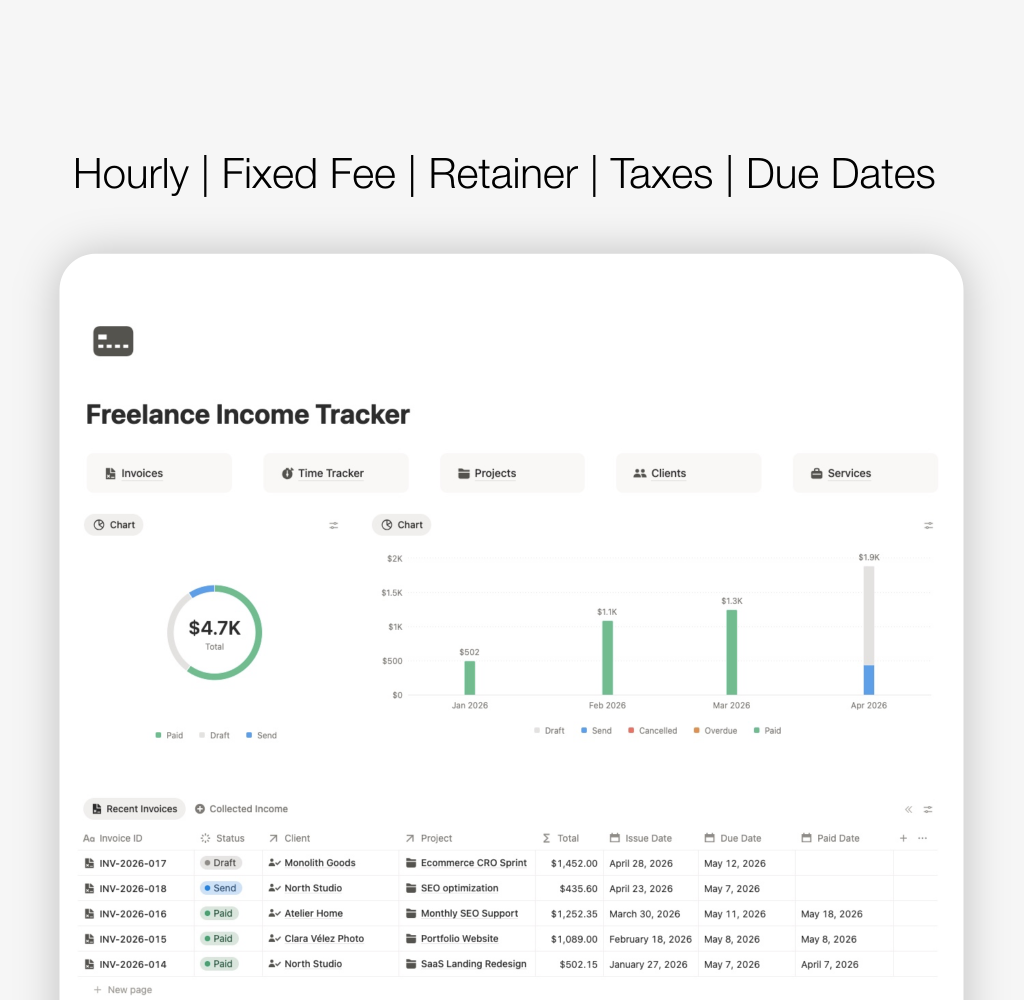

Tracking freelance income is not as simple as logging numbers.
If you work with different billing methods — hourly, fixed fee or retainer — your income comes from different types of work, and each one needs to be tracked differently.
In this guide, you’ll learn how to track freelance income properly and how to organise it so you always know:
- how much you’ve earned
- what is still unpaid
- where your income comes from
Table of Contents
The correct way to track freelance income
To track income properly, you need to connect three things:
1. Where the income comes from
- client
- project
- service
2. How the income is calculated
- hourly
- fixed fee
- retainer
- H3
3. Whether the income is paid
- paid
- unpaid
- overdue
This is the foundation behind a structured freelance dashboard, where all parts of your business are connected instead of tracked separately.
Freelance billing methods explained
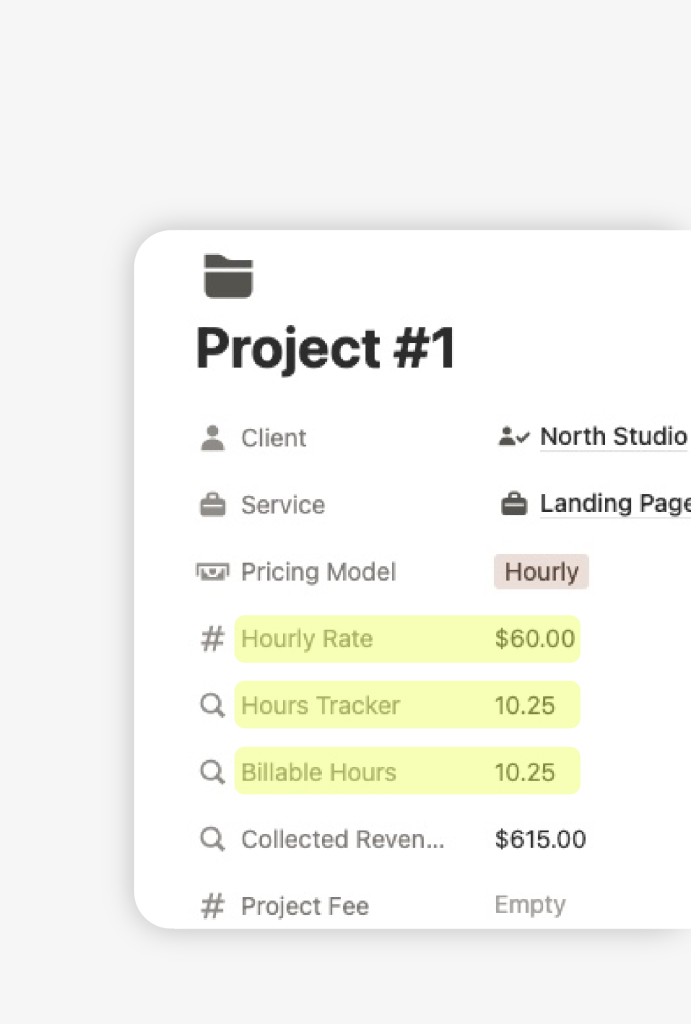
Hourly rate
You charge based on:
- hours worked
- hourly rate
Formula: Income = Hours × Rate
Fixed fee
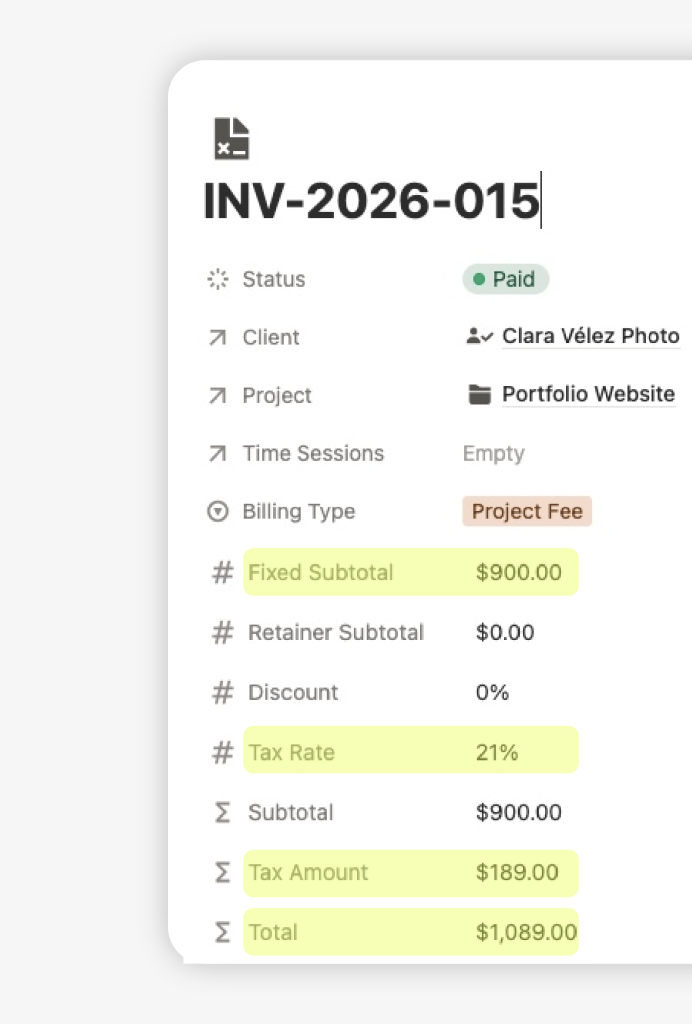
You charge a fixed amount per project.
Example: Landing page → $1,500
Retainer
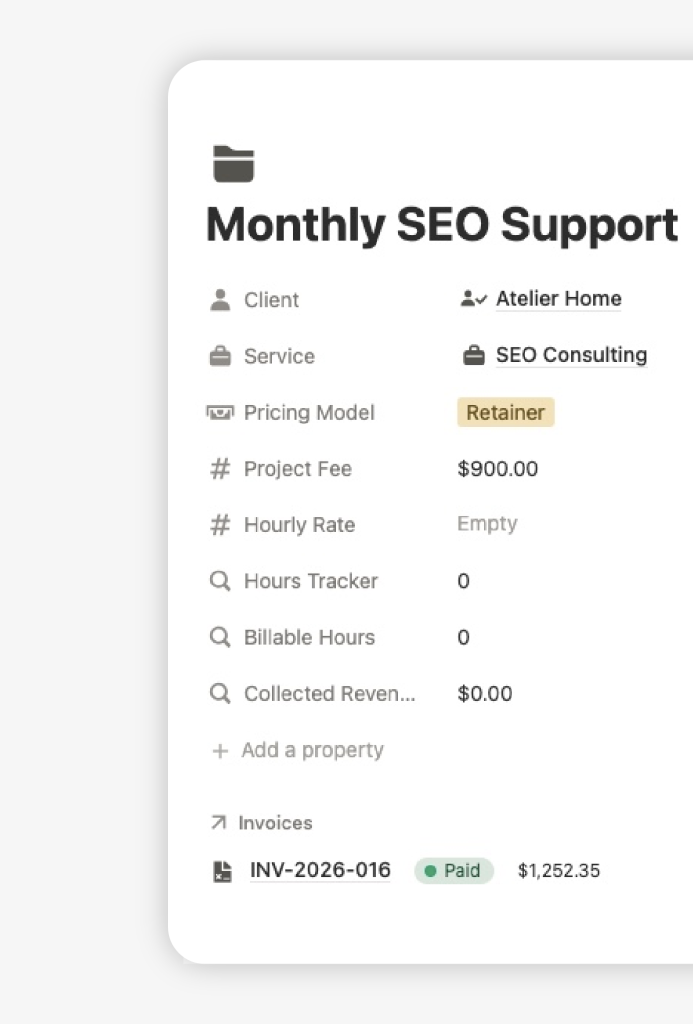
You charge a recurring monthly amount.
Example: $800/month for ongoing work
How to track hourly freelance income
To track hourly work properly, you need to:
- Log hours worked
- Apply your hourly rate
- Calculate billable amount
10 hours × $50 = $500
How to track fixed-fee income
For fixed-fee projects:
- Record the project fee
- Apply taxes
- Track payment status
Project fee: $1,500
Tax: $315
Total: $1,815
How to track retainer income
For retainers:
- Record monthly payment
- Track invoice date
- Update payment status
$800/month January → Paid February → Unpaid
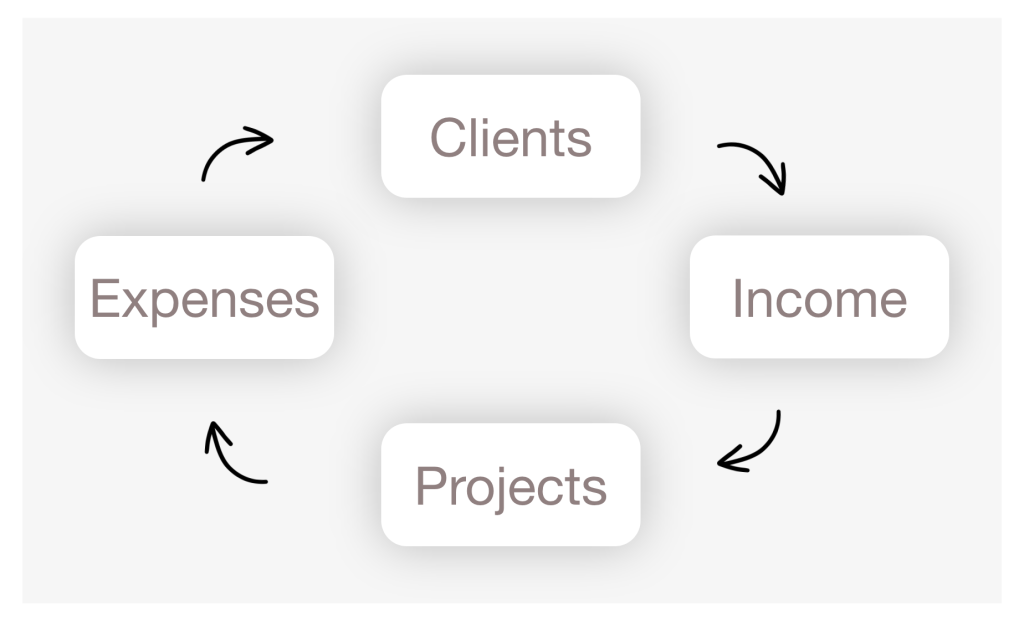
A better way to track freelance income
Instead of tracking numbers in isolation, connect your income to:
- clients
- projects
- services
This allows you to:
- see where income comes from
- compare clients
- identify your most valuable work
How to build a freelance income tracking system
A proper system includes:
- Clients database
- Services database
- Projects database
- Invoices
- Optional time tracking
Track your freelance income in Notion
If you want to implement this system without spreadsheets, you can use a structured Notion template that connects all these parts.
It supports:
- hourly income tracking
- fixed fee invoices
- retainer payments
- automatic calculations
- payment status tracking