SEO Report Template Free Download
Tracking your organic performance shouldn’t be a guessing game. Whether you are reporting to a client, presenting to stakeholders, or tracking your own niche site’s growth, having a clear and structured SEO report is non-negotiable.
If you want to skip the basics and manage your entire strategy from day one, check out the best Notion SEO planner. Otherwise, keep reading to learn how to structure your data and download our free SEO report templates in multiple formats, including Excel and Google Sheets.
Why Use a Monthly SEO Report Template
A well-crafted SEO report does more than just display numbers. It translates complex organic data into actionable business insights. Without a standardized reporting process, you risk focusing on vanity metrics instead of what actually drives revenue. A professional report helps you prove the ROI of your content strategy, identify technical bottlenecks before they tank your rankings, and align your entire marketing team around the same growth goals.
What does it include?
To give a comprehensive view of your search engine visibility, your template needs to cover three main pillars.
Organic Traffic & Conversions
This is the bottom line. Your report must highlight total organic sessions, user engagement rates, and most importantly, goal completions. Connecting organic traffic to actual leads or sales is the only way to prove the financial value of your SEO efforts.
Keyword Rankings & Visibility
Tracking your target keywords shows if your content strategy is hitting the mark. A solid report tracks position changes for high-value keywords, overall search visibility, and the acquisition of SERP features like featured snippets.
Technical SEO Health & Backlinks
Great content won’t rank if your website has technical flaws. You need a section dedicated to site speed metrics, indexation errors, and your backlink profile. Monitoring new referring domains and lost links is crucial for long-term domain authority.
Download Your Free SEO Report Templates
You have three different versions of the core reporting framework so you can choose the software that best fits your current workflow.

Notion SEO Report Template (Recommended)
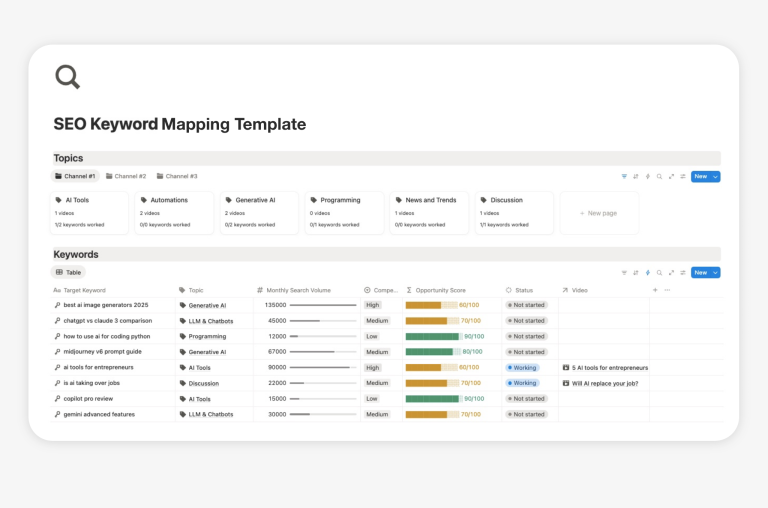
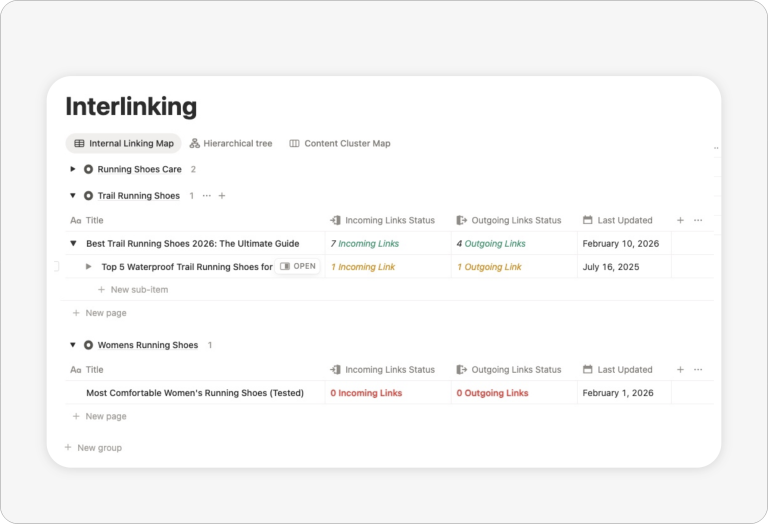
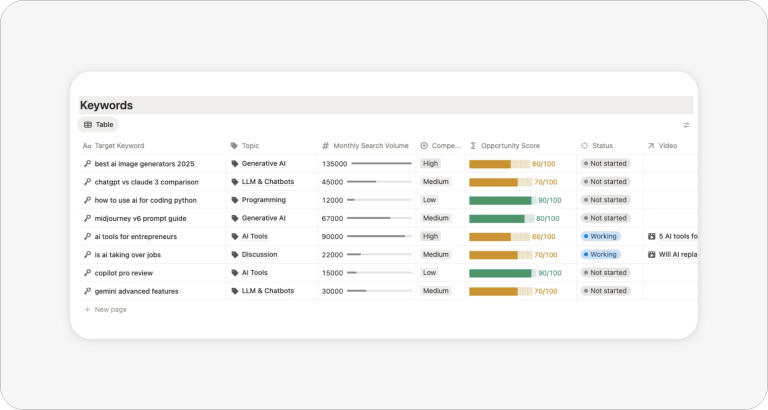
A lightweight starting point for Notion users. This template provides a clean, block-based layout to summarize your monthly SEO wins, track basic metrics, and organize your next steps in a simple database.

SEO Report Template Excel
Ideal for offline data crunching and complex pivot tables. This .xlsx file includes pre-formatted columns for your monthly KPIs and charts that automatically update as you paste your data.

SEO Report Template Google Sheets
Perfect for quick sharing and basic collaboration. This cloud-based sheet allows you to easily plug in data exported from Google Analytics 4 and Google Search Console.
The Problem with Spreadsheets for SEO Management
Let’s be honest: downloading an SEO report template in Excel or Google Sheets is a great first step. Spreadsheets are fantastic for crunching numbers and storing static data. But when it comes to actually executing a winning SEO strategy, they fall short.
Here is why relying solely on spreadsheets can bottleneck your organic growth:
- Isolated Data: Your keyword research lives in one tab, your content calendar in another, and your technical audit in a completely different file. Connecting the dots is manual, tedious, and prone to errors.
- Lack of Actionability: A spreadsheet tells you that a page is losing traffic, but it doesn’t automatically create a task for your content writer to update it. It is just dead data waiting for someone to act on it.
- Collaboration Nightmares: Passing an Excel file back and forth between your SEO specialist, your freelance writers, and your web developer creates version control chaos.
- Static Tracking: SEO is a living, breathing process. Spreadsheets simply don’t have the relational database capabilities needed to tie a specific keyword cluster to a live writing draft and a final published URL.
Looking for more templates for SEO?
This template is part of a growing collection of practical templates for SEO focused on clarity, productivity, and simplicity.


Upgrade Your Game: The Ultimate Notion SEO Planner
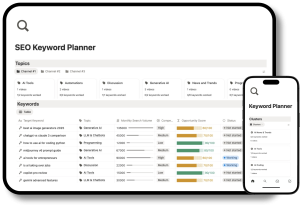
Transform static reports into an interconnected, actionable machine. Thanks to Notion’s powerful relational databases, everything you do is linked.
- All-in-One SEO Workspace: Manage your technical audits, keyword research, competitor analysis, and content pipeline in a single dashboard.
- Relational Databases: Connect a target keyword directly to a blog post draft.
- Built-in Task Management: Turn technical errors from your audit directly into actionable tasks. Assign them to your team members and set deadlines.
- Seamless Reporting: Create dynamic, client-ready views that automatically pull the latest data from your active tasks and published URLs.
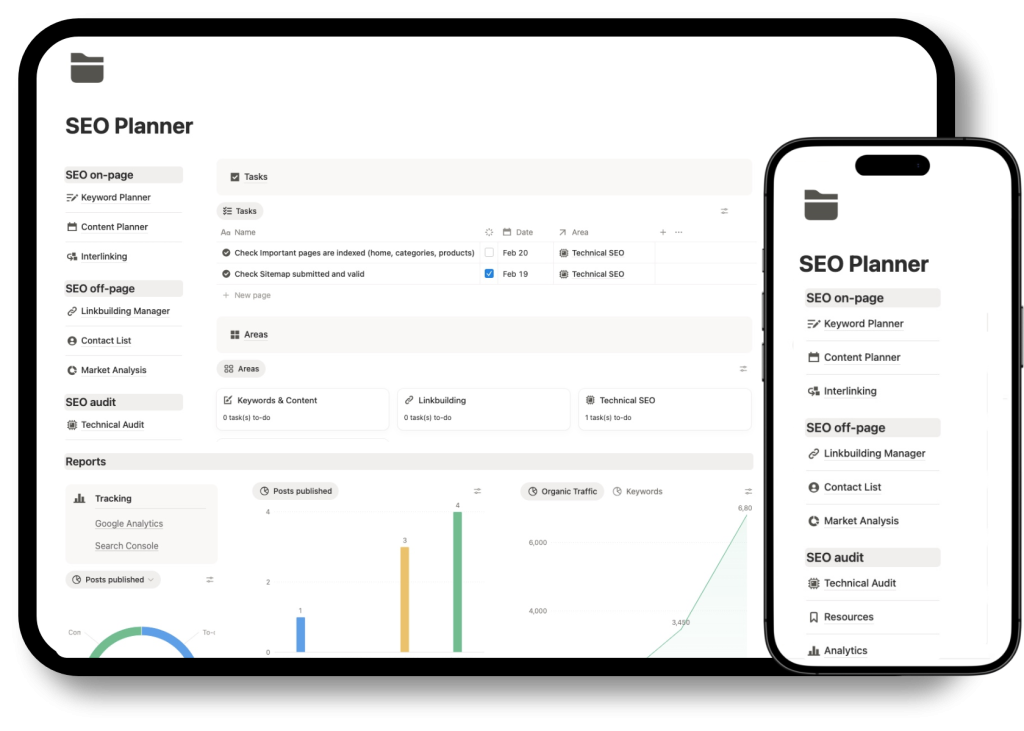
Learn about Notion for search engine optimization