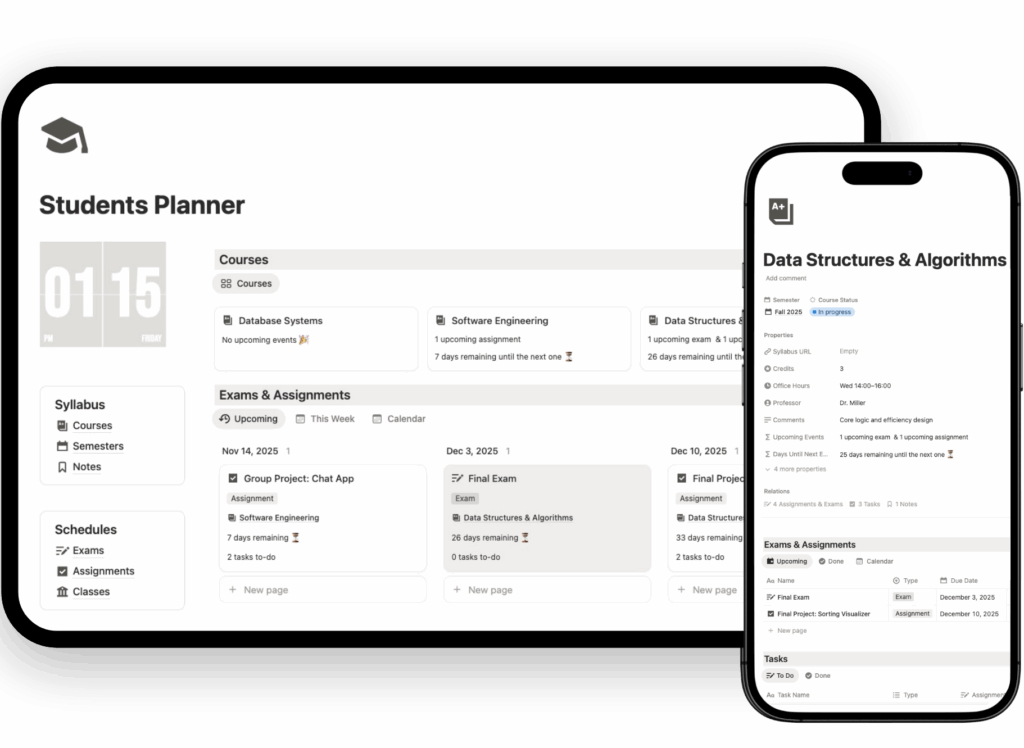
Notion Class Schedule Template
Keeping track of your weekly classes can get chaotic fast — different subjects, time slots, professors, and platforms. The Class Schedule Tracker inside the Notion Student Planner Template is built to simplify that chaos and turn your week into a clear, structured plan.
Notion Class Schedule Template Features
This isn’t a simple timetable. It’s a connected academic center, designed to help you manage your classes visually, flexibly, and efficiently.

Plan Your Week
The Class Schedule Tracker gives you a complete overview of your week, showing exactly what, where, and when every class takes place. You can:
- View classes by day or week, depending on how you like to plan.
- Quickly spot gaps or overlaps in your schedule.
- Adjust your timetable in seconds — drag, drop, or duplicate.

Add Key Details for Every Class
Each subject block can include all the practical details you need, right where you need them:
- Classroom or location (building, room number, or even the map link)
- Professor contact info — email, office hours, notes
- Online meeting links for hybrid or remote classes
Everything is in one click. No more last-minute searches through your inbox or campus portal.
Connect Your Classes Schedule with Notes, Assignments, and Exams
The true power of this system comes when you integrate it with the Subjects & Linked Databases Template, included separately inside the full Student Planner.
That complementary template lets you connect each class to:
- Notes – store lectures, readings, and resources
- Assignments – see upcoming tasks per subject
- Exams – track dates, topics, and grades
Together, these linked databases create a seamless academic ecosystem — one where your schedule isn’t just a calendar, but the center of your entire study system.
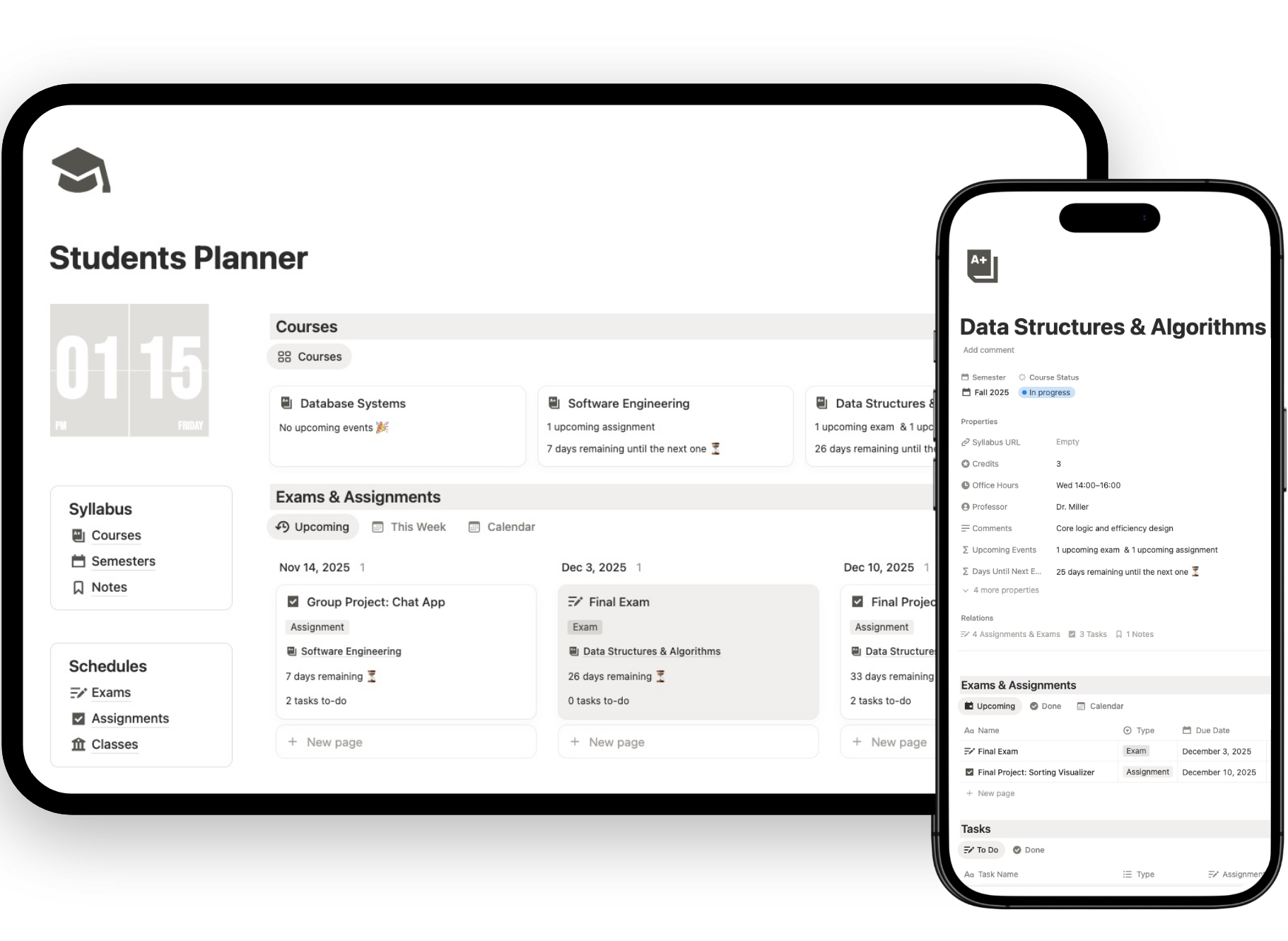
Ready to simplify your study life?
The Class Schedule Tracker is included inside the full Notion Student Planner Template, ready to customize and use from day one.
🧭 How to Start Using the Class Schedule Tracker in Notion
Setting up your Class Schedule Tracker in Notion takes just a few minutes — and once you do, your entire semester will instantly make more sense. This section walks you through the setup step-by-step so you can go from a blank planner to a fully personalized schedule in less than 10 minutes.
1. Duplicate the Template to Your Workspace
After purchasing the Notion Student Planner Template, click the “Duplicate” button at the top right of the page.
This instantly adds the full planner — including the Class Schedule Tracker — to your own Notion workspace.
You can now edit everything freely: rename, move, or customize it without affecting the original version.
2. Set Up Your Weekly Schedule
Open the Class Schedule Tracker page. You’ll find a pre-built weekly layout with time slots and placeholders.
Here’s how to personalize it:
- Add your classes: create a new entry for each subject.
- Choose the day and time: assign start and end times for each class.
- Add details: fill in location, professor, and meeting links.
- Color-code your subjects for quick visual recognition (e.g., blue for science, red for humanities).
The visual table updates automatically — your week becomes instantly structured and easy to read.
3. Adjust Views to Fit Your Routine
The tracker includes both Weekly View and Daily View options:
- Use Weekly View to plan your whole schedule at a glance.
- Switch to Daily View when you want to focus on what’s happening today.
You can toggle between them anytime — Notion remembers your last view automatically.
4. Integrate with Other Databases (Optional)
When you’re ready to expand, link your classes to the Assignments, Exams, and Notes databases inside the Student Planner.
This will let you:
- View all assignments tied to a specific class.
- See upcoming exams by subject.
- Open lecture notes directly from your timetable.
If you’re new to Notion, these links work automatically through relations and rollups — no setup needed.
5. Update Once, Stay Organized All Semester
Once your schedule is in place, you won’t need to rebuild it every week.
- Simply edit any class if the time or location changes.
- The system syncs updates across related pages automatically.
- You can duplicate the tracker each semester and start fresh in seconds.
6. Start Planning Smarter Today
With your Class Schedule Tracker active, every class, note, and task in Notion connects effortlessly.
You’ll never wonder what’s next, where you need to be, or which subject deserves your focus today.
This is more than a timetable — it’s your academic foundation for the semester.
Duplicate, customize, and start using it now inside the Notion Student Planner Template.
Upgrade to Life Planner Pro
👉 The Notion templates for students is just the beginning: unlock full digital planner.
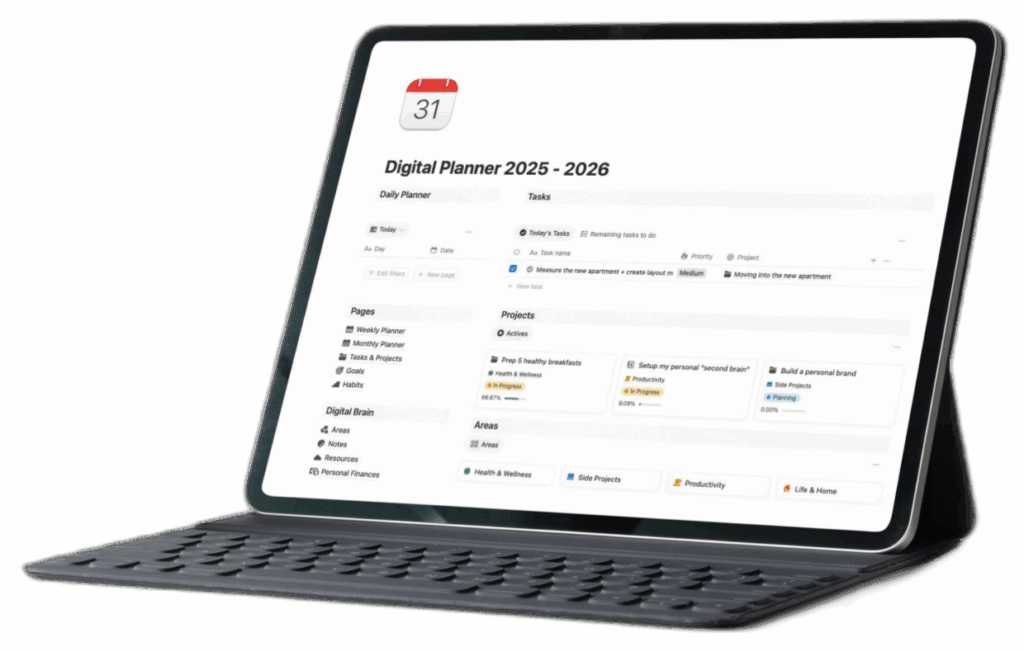
Compatible With Every Student Workflow
- Works on laptop, tablet, or phone
- Syncs automatically across devices
- Ideal for college, university, and high school students
- Fully editable for your courses, semesters, or academic programs