Notion Freelance Template
A complete Freelance OS to manage clients, projects, tasks, income and your day-to-day business in one Notion workspace. Includes leads & client CRM, project management, income and expenses tracking, dashboard views and connected workflows.
Inside the Notion Freelance OS
Every part of the template is designed to work together, so you can manage your freelance business as one system instead of a set of disconnected pages.
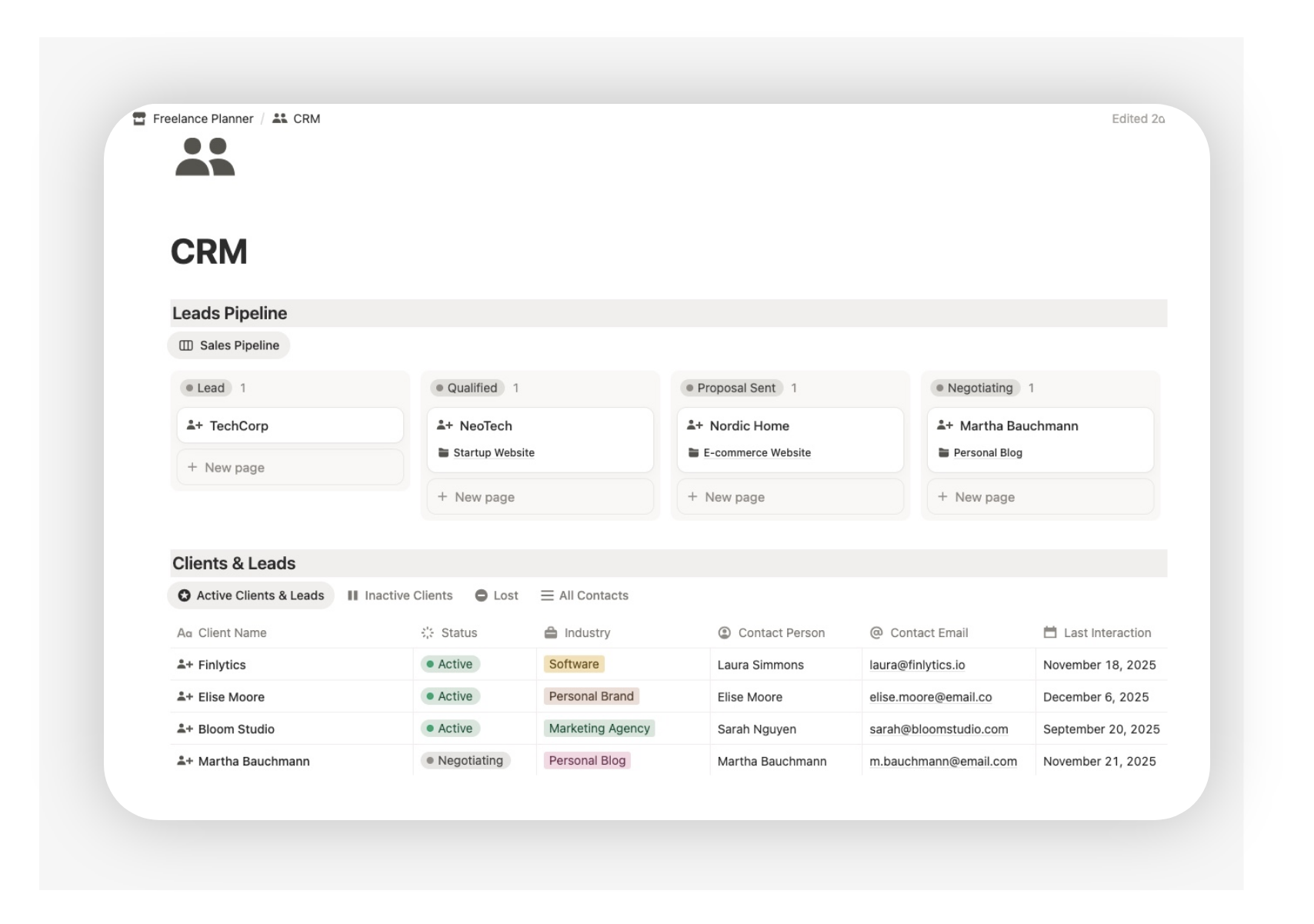
Freelance CRM template
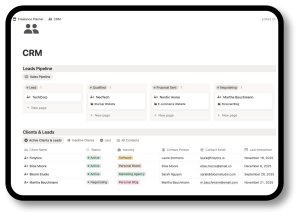
Keep your leads, active clients and follow-ups organised in one place.
This section helps you track who you are working with, what stage each relationship is in and what needs to happen next. Instead of relying on memory or searching through emails and notes, you can manage your client pipeline with a clearer workflow.
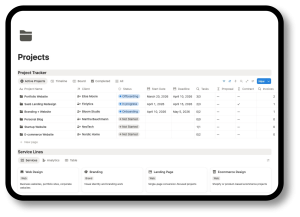
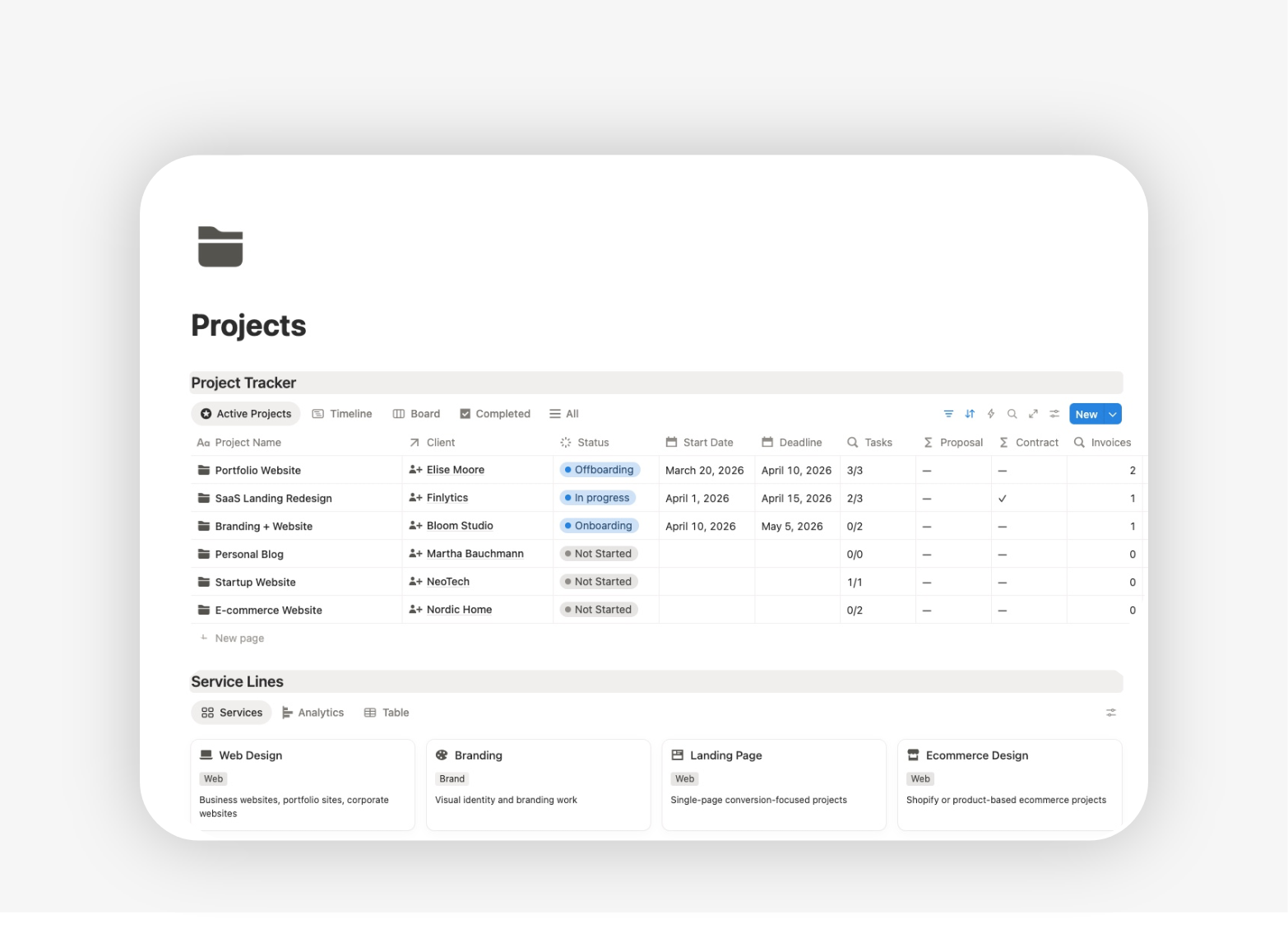
Freelance Project Tracker
Manage your freelance projects with more structure from start to finish.
Track active work, deadlines, priorities, progress and deliverables in one place, so you always know what is in motion, what is at risk and what is ready to move forward. This gives you better control over client work without overcomplicating your setup.
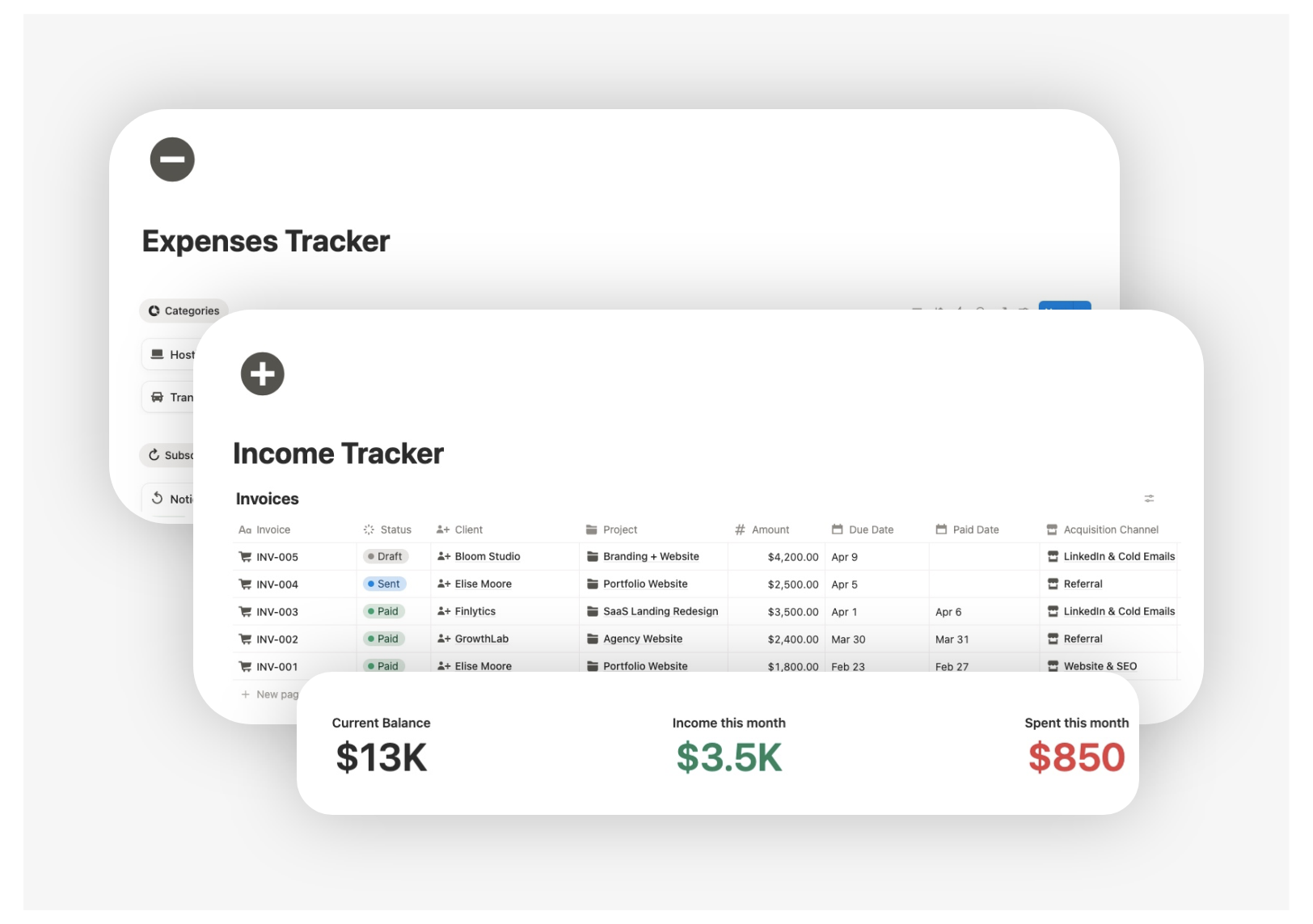
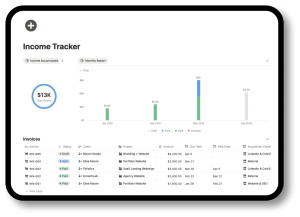
Freelance Income & Expenses Tracker
A financial dashboard that centralizes income, expenses, margins, and billing. It includes categories, filtered views, and a visual dashboard to understand your financial situation instantly.
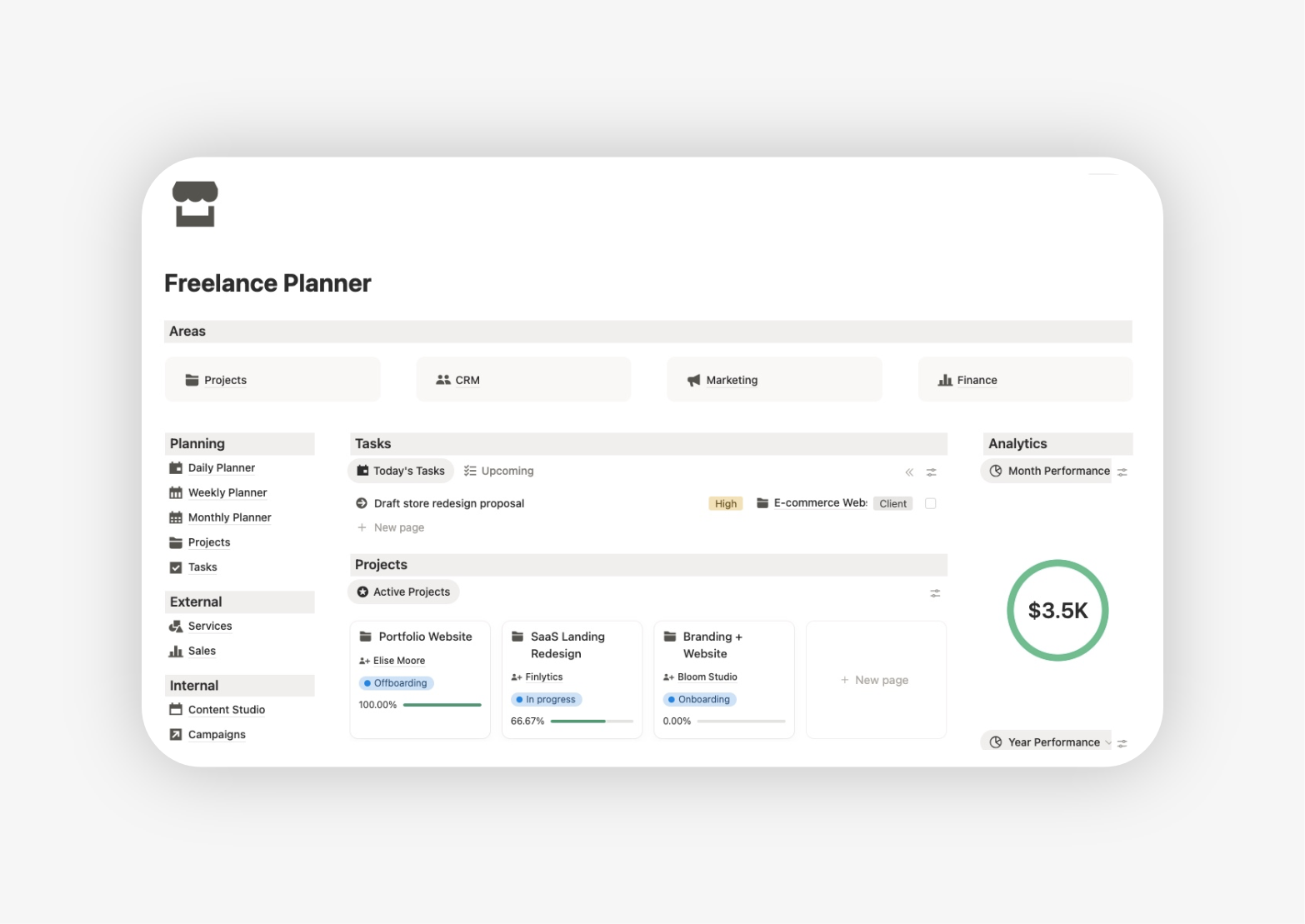
Freelance Dashboard
You can use focused dashboards to review active clients, current projects, upcoming tasks and financial visibility from one clear workspace. The goal is not just to make the system look good, but to make it genuinely useful day to day.
How to start using the template
You do not need to set up everything at once. The easiest way to start is to use the template in the same order your freelance work already happens.
Starter steps
1. Add your current clients
Begin with the people or businesses you are already working with or actively talking to.
2. Create your active projects
Add the projects that are currently in progress or about to begin.
3. List your next tasks
Capture the immediate actions you need to take this week so the system becomes useful right away.
4. Add your recent income and expenses
This helps you start building financial visibility from the beginning.
5. Upload or link your key documents
Store proposals, contracts, invoices or notes in the right place so your workspace becomes more complete over time.
Who this Notion freelance template is for
This Notion freelance planner is built for freelancers and solo service businesses who need a clearer way to manage client work, projects and business admin in one place. It is flexible enough to adapt to different freelance workflows while still giving you a structured system to work from.
Designers
Ideal for freelance designers who manage multiple client projects, revisions, deadlines, deliverables and business documents at the same time.CARD 2
Photographers
Useful for photographers who need to organise clients, shoots, project details, deliverables, notes and the business side of their workflow more clearly.CARD 3
Web designers and developers
A strong fit for freelancers building websites, ecommerce projects or digital products who need better visibility across clients, active work, deadlines and tasks.CARD 4
Writers, copywriters and marketers
Helpful for freelancers who manage recurring client work, content deliverables, campaigns, deadlines and multiple moving parts across different projects.CARD 5
Consultants and strategists
Well suited to solo professionals who need a system for managing client relationships, project timelines, notes, documents and business organisation.

A Notion freelance dashboard that does more than look good
A good freelance dashboard should help you understand what is active, what is urgent, what is waiting and how the business is moving. This template gives you dashboard views that connect client work, project tracker, task focus and financial visibility, so the workspace is useful in practice, not only visually appealing.
- Full Notion Freelance Planner
- Pre-configured databases (Clients, Tasks, Finance, Projects, Content, Areas, Habits, Resources)
- Lifetime access and updates
- Syncs automatically across devices (works on laptop, tablet, or phone)
- Fully editable and Instant Download

Frequently asked questions
What is included in this Notion freelance template?
The template is designed to help you manage clients, projects, tasks, finances, documents and dashboard views in one connected workspace.
Can I use this template to create my portfolio in Notion?
Yes. This freelance notion template can also support your portfolio workflow by helping you organise your work, case studies, services and client results in one place.
While the template is primarily built to run your freelance business, it can also work as the foundation for a cleaner portfolio system by keeping your projects and professional information structured and ready to present. If your main priority is showcasing your work, you can also explore the dedicated Freelance Portfolio Template.
Is this a Freelance OS or a freelance dashboard template?
It is both. The template works as a complete freelance operating system and includes dashboard views that help you manage the business more clearly.