

Free YouTube Video Planner Notion Template
Stop the chaos on your channel. Plan, script, and manage your YouTube videos in one organized Notion workspace. This free YouTube video planner template helps you organize your channel or video projects with a relational database, multiple views, and analytics charts.
Notion YouTube Video Planning Features
Growing a YouTube channel is tough. Between brainstorming ideas, writing scripts, filming, and editing, it’s easy to feel overwhelmed. This YouTube video planner template is not just a database; it is a complete production system designed to help you stay consistent, upload on time and avoid creator burnout. Here is how this Notion template upgrades your creative process:
- Status Tags: Track exactly where every video is (Idea, Scripting, Filming, Editing, SEO, Published).
- Smart Dates: Assign separate dates for Recording, Editing Deadline, and Publication.
- Topics & Categories: Categorize by playlist or niche (e.g., Tech Reviews, Vlogs, Tutorials).

YouTube Content Pipeline
Watch your videos move from concept to reality. This intuitive Kanban board groups your videos by status. Drag and drop your projects smoothly from Idea ➔ Scripting ➔ Recording ➔ Editing ➔ Published.

Video Production Queue
Need to focus strictly on the work right in front of you? The Video Production Tracker filters out the noise, displaying gallery cards only for videos currently “In Progress.” Each card houses everything you need for that specific video: your title variations, thumbnail concepts, and full script.

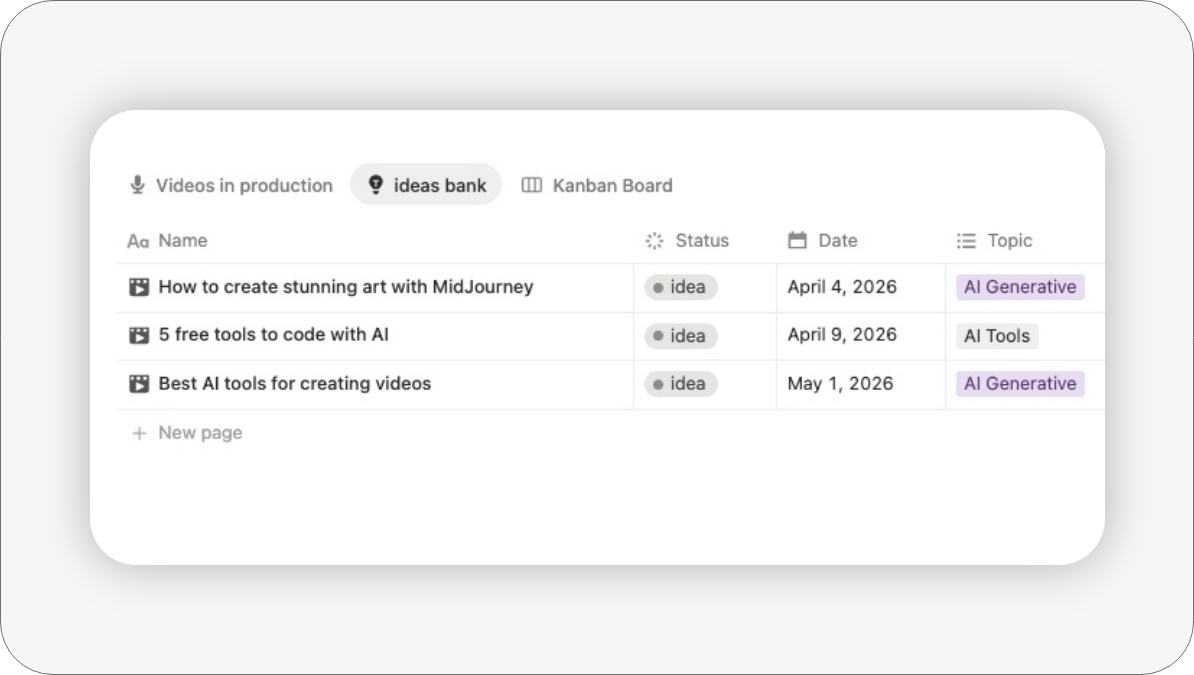
Video Idea Bank
Every great channel starts with good ideas. The Video Idea Bank is a clean table view dedicated entirely to videos with an “Idea / Not Started” status. Dump your concepts here, tag them by topic, and pull from this list when you’re ready to start scripting.
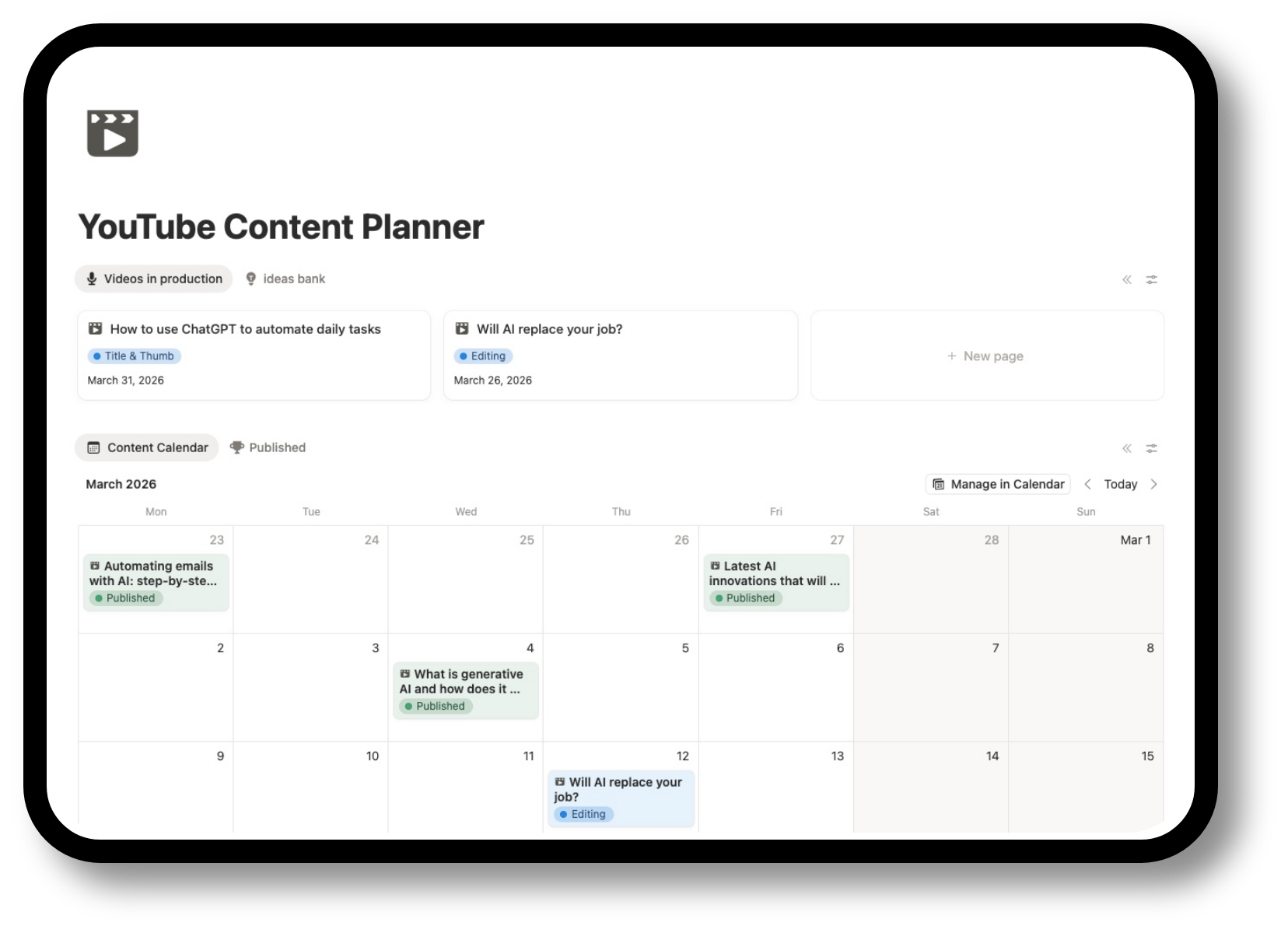
Content Calendar
This Notion Calendar View allows you to drag and drop your video projects to reschedule them instantly. It gives you a bird’s-eye view of your month, ensuring you keep your upload streak alive.
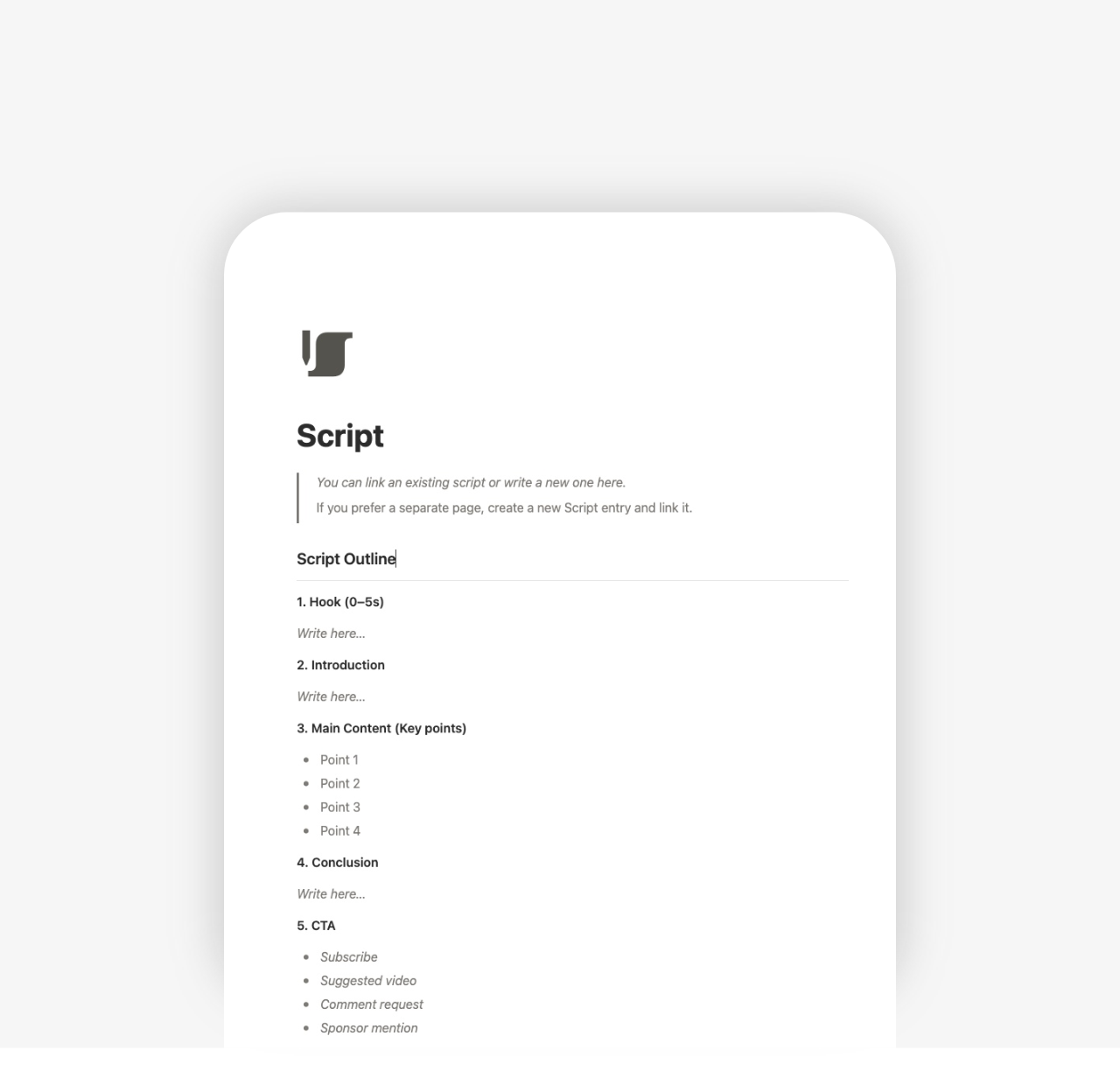
Script Template
On each video’s page, you’ll find a video script template where you can jot down the outline, introduction, hook, key points, conclusion, quotes, and more…
Visual Analytics Dashboard
To help you interpret your data at a glance, the template includes two automatic charts:
- Video Status: A pie chart visualizing your current video pipeline. Instantly see if you have too many videos stuck in “Editing” and not enough in “Scripting.”
- Monthly Production Volume: A bar chart displaying videos assigned vs. completed per month. Perfect for reviewing your consistency and planning for high-CPM seasons (like Q4).

How to Get Started
The Notion video planner template is designed so that you can customize it without losing its main structure. You can add additional properties, change views, connect other databases, or incorporate it into larger systems within Notion. It is ideal for both beginners and advanced creators who want to professionalize their strategy.
1. Duplicate the Template
After downloading, click “Duplicate” in the top-right corner to copy it to your Notion workspace.
2. Add topics
Before searching for videos, go to the “Topics” property and add your specific channel pillars.
3. Dump Your Brain
Transfer all your sticky notes and phone memos into the “Ideas” section.
4. Start the Flow
Pick an idea and move it to “Scripting.”
Ideal for:
- YouTube creators
- Video freelancers
- Marketing and content creators
- Small teams that produce videos regularly
- People who want a clear system without relying on complex tools
Can I use this for TikTok and Shorts too?
Yes! While the structure is optimized for the depth of YouTube long-form content (scripting, thumbnails, etc.), you can easily add a tag for “Shorts” or “Reels” to manage short-form content in the same view.
Do I need the paid version of Notion?
No, this YouTube video planner works perfectly on the free Notion plan.
Unlock the complete Notion YouTube Creator OS
This free template is the perfect starting point to get your production organized. But if you are ready to treat your YouTube channel like a serious business, you will need a complete system.

Related Notion Templates
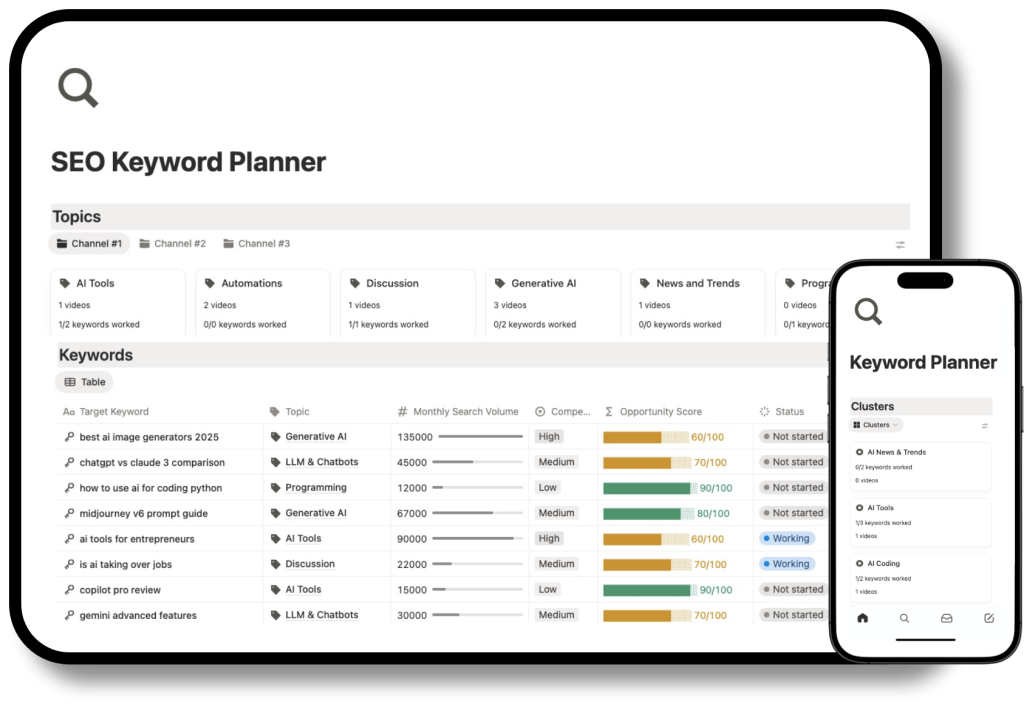
Notion Keyword Research for YouTube
The perfect companion. Plan your SEO titles and tags before you start filming.
