

Notion Keyword Research Template: The SEO Brain
Still doing your keyword research on scattered sticky notes or complex Excel/Google sheets? SEO means nothing without execution. This Notion Keyword Research template free transforms boring data into a visual action plan. Organize, filter and prioritize keywords, analyze competition, and plan what to create today.
Free Keyword Research Features
Built as a powerful relational database for content creators and SEO professionals, this template allows you:
- Track target keywords in one centralized SEO dashboard
- Group keywords using the Topic Clustering system.
- Track visual monthly search volume with progress bars
- Add Keyword Difficulty tags
- Define the search intent for each query
- Prioritise easily with automated score formula


SEO Keyword Research database
Write down all the information extracted from your keyword research or import your CSV file with the essential columns:
- Status tracking
- Monthly Search Volume
- Keyword Difficulty
- Search Intent
- Target URL

Topic Clustering & Semantic SEO
Google love “Topical Authority.” The Topic property allows you to group keywords by category. See at a glance which topics you are dominating and where you need more content.

Keyword prioritisation formula
Don’t get blinded by high search volumes that are impossible to rank for. This template features a custom Formula 2.0 that cross-references Monthly Search Volume with Competition Difficulty. It automatically generates a score from 0 to 100, visualized with a progress bar.
- Red (<50): High competition. Proceed with caution.
- Green (80-100): Low hanging fruit. Create this NOW.
- Yellow (50-79): Good potential, requires quality content.
Connect your keyword research with your content plan

Production Pipeline Integration
SEO is useless without execution. This Notion keyword planner includes a “Status” pipeline (Not Started → Working → Published) and a “Video/Post” Relation column.
Workflow Tip: Once you pick a winning keyword, link it directly to your script or article draft so you never lose the SEO context.

Content calendar
A clear calendar view where you schedule upload dates, plan content themes, and maintain a consistent publishing rhythm. The calendar syncs with your production pipeline, giving you a unified picture of what’s coming next.
Turn your research into strategy.
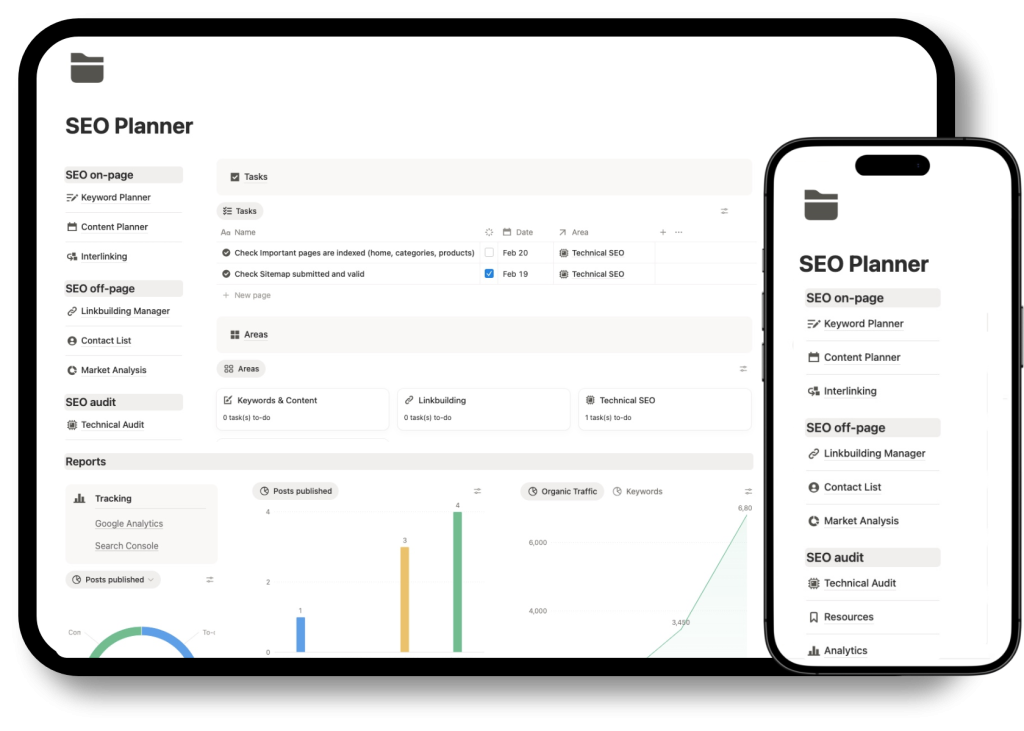
Get the fully integrated Content Plan and Keyword Tracker template inside the Notion SEO Project Management Template. Everything you need to scale your organic traffic in one workspace.
How to Get Started
This free keyword research database is designed so that you can customize it without losing its main structure. You can add additional properties, change views, connect other databases, or incorporate it into larger systems within Notion. It is ideal for both beginners and advanced creators who want to professionalize their strategy.
1. Duplicate to Your Workspace Click the “Duplicate” button. The template will instantly copy to your private Notion dashboard.
2. Define Your Topics (Clusters) Before hunting for keywords, go to the “Topic” column and define the core pillars of your web or blog (e.g., Fitness, Nutrition, Gear Reviews).
3. Import or Input Keywords Gather data from your favorite tools (Ahrefs, Semrush, VidIQ, or Google Keyword Planner) and input them here.
4. Prioritize & Execute Sort the table by Opportunity Score (Descending). The rows at the top are your next viral hits. Change the status to “Working” and start creating!
Bonus & Specs
- Fully Customizable: Add new properties (like CPC or Affiliate Potential) as you grow.
- Dark Mode Optimized: Looks stunning on desktop and mobile.
- No Complex Setup: The formulas are pre-coded. You don’t need to be a Notion wizard.
⚠️ License: Personal use only. Redistribution or reselling of this template is not permitted.


