
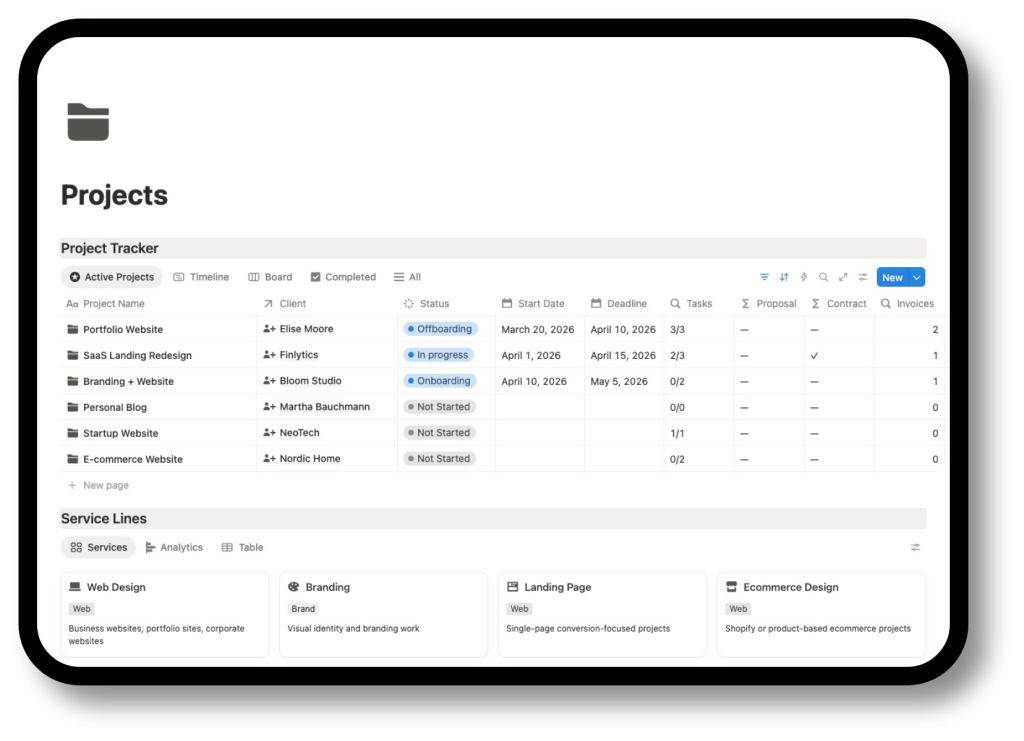
Notion Freelance Project Management Template
Plan client work, organise tasks, track deadlines and manage deliverables in one clear Notion project tracker built for freelancers.
What is this freelance project management template?
This is a Notion template designed to help freelancers manage client projects with more structure and less friction.
It gives you a practical system for organising active work, tracking project progress, managing tasks, reviewing deadlines and keeping deliverables visible. Instead of relying on a disconnected to-do list or building your own setup from scratch, you get a workspace designed for the way freelance projects actually move.
Think of it as a freelance project tracker and project management system in one place.
Inside the Notion freelance project management template
This Notion template is designed to help you manage freelance delivery more clearly, from active projects and day-to-day tasks to deadlines and project visibility.
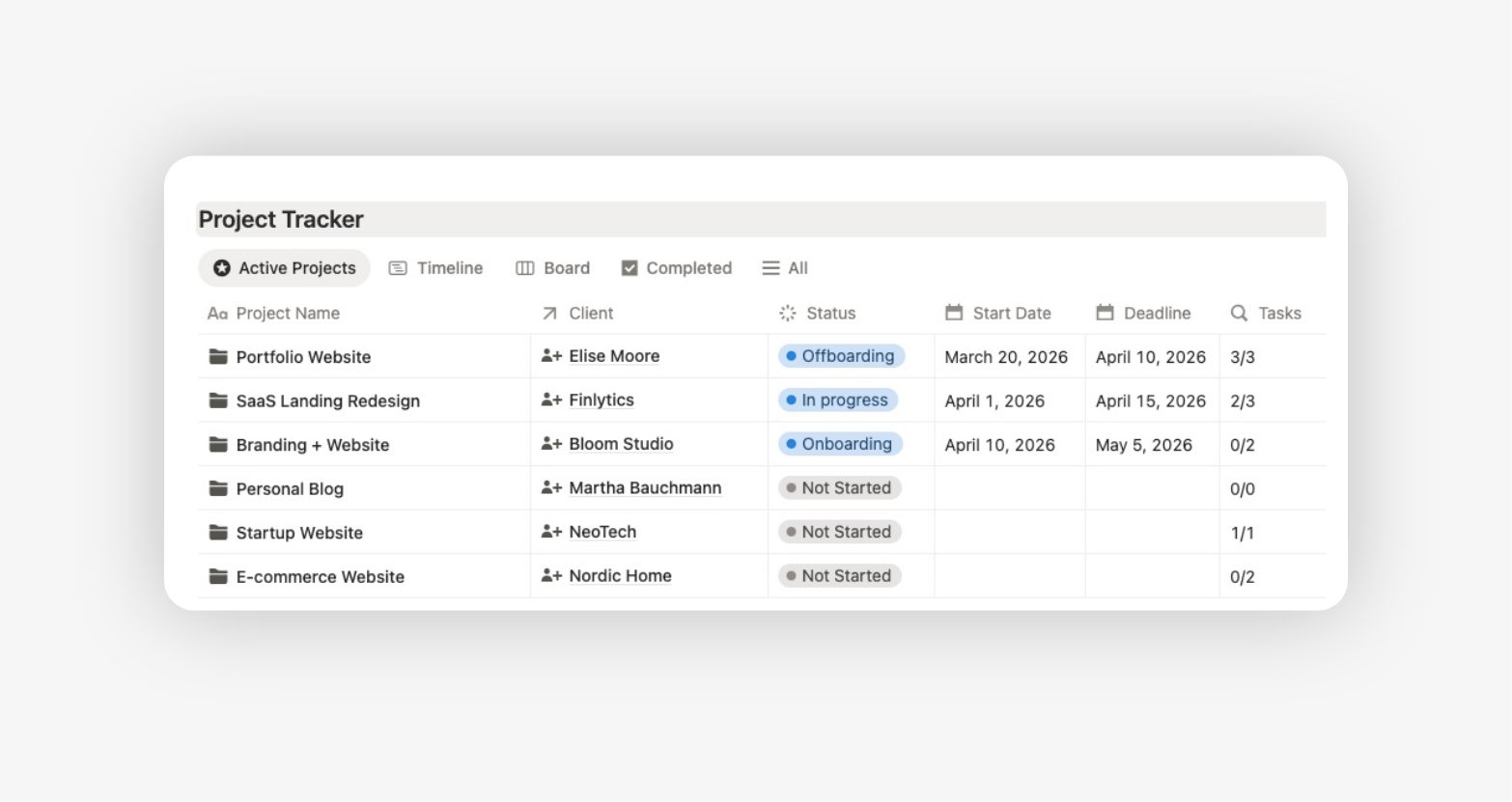
Project tracker database
Track all your client projects in one place with the key information you need to manage them clearly.
This gives you a central view of what is active, what is planned, what is waiting and what has already been completed, so you can stop managing projects from memory or scattered notes.
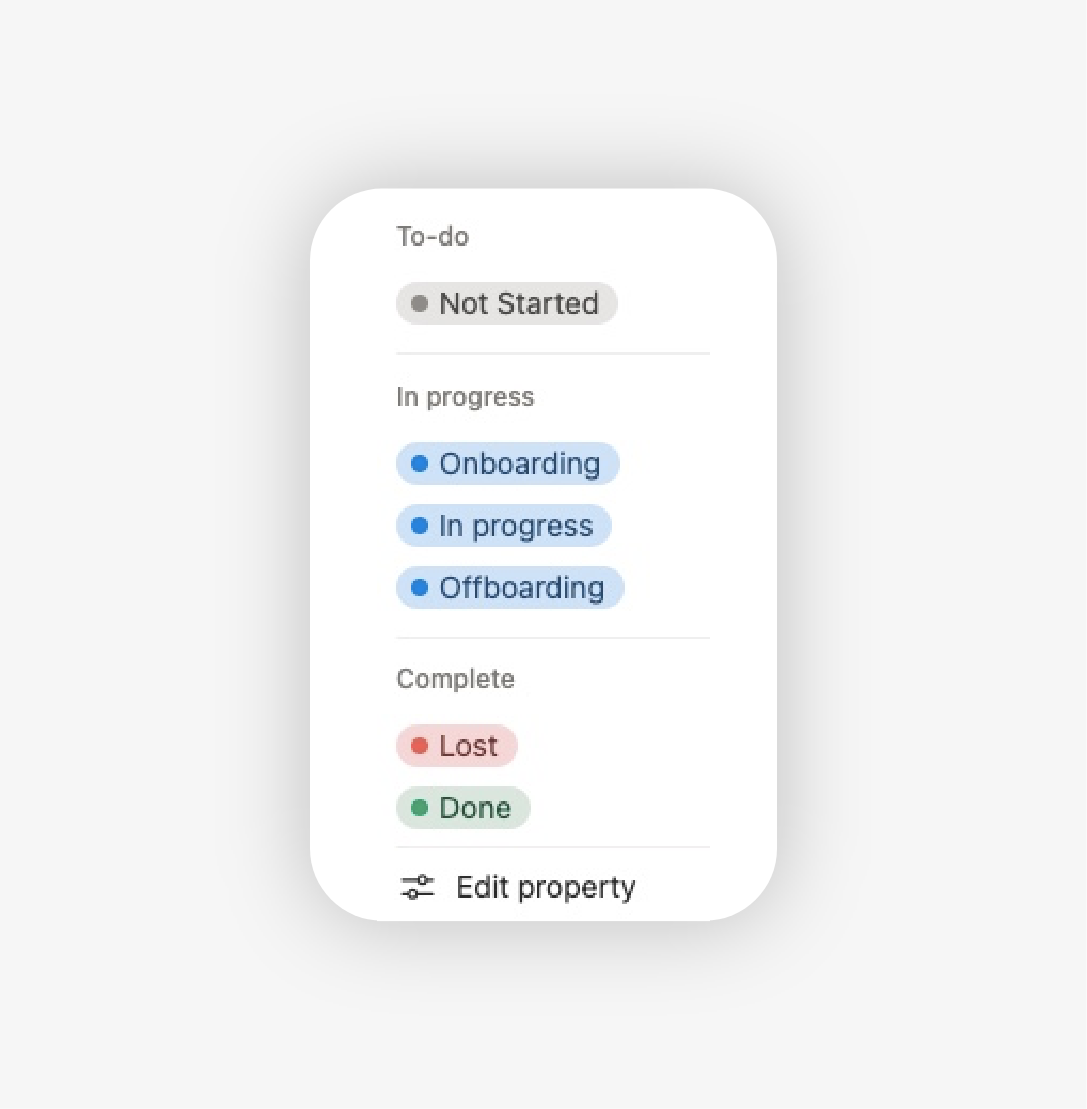
Project status tracking
Instead of reviewing each project manually, you can quickly see what is in progress, what is blocked, what needs review and what is ready to move forward. This makes it much easier to manage multiple projects at once.
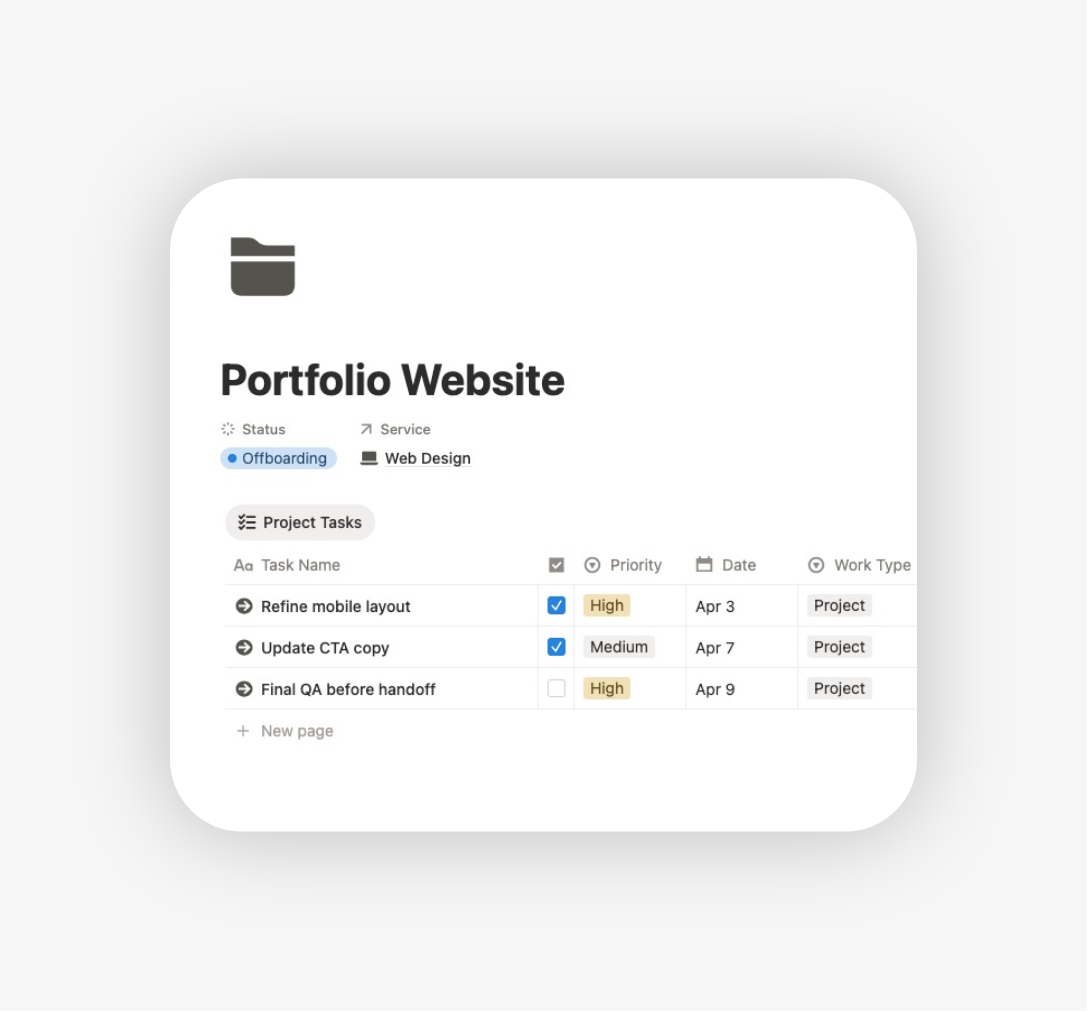
Task management
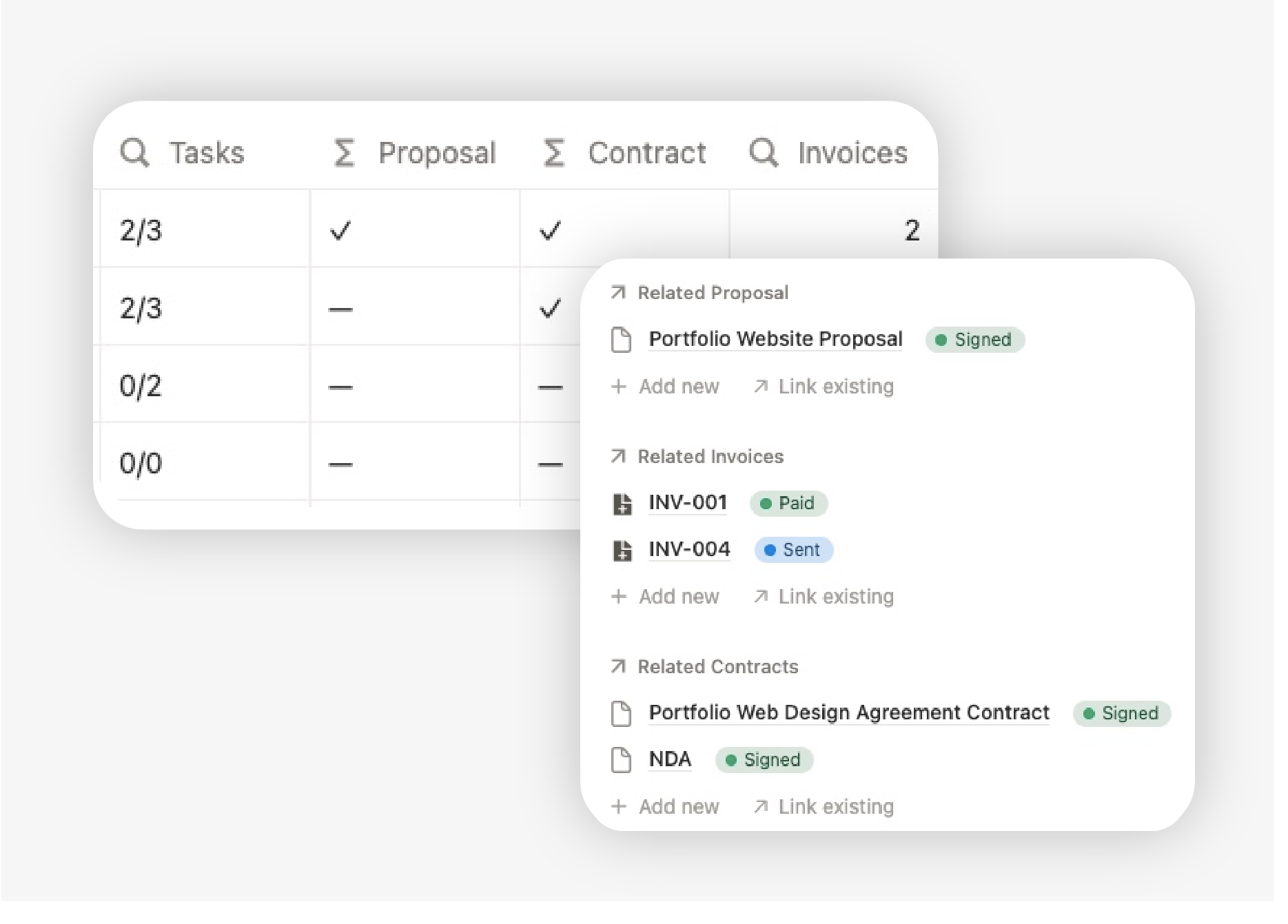
Break projects into actionable tasks connected to the right client work.
This helps you turn larger projects into clear next steps, so daily execution feels more manageable and your to-do list stays tied to real priorities.
Deadlines and priorities
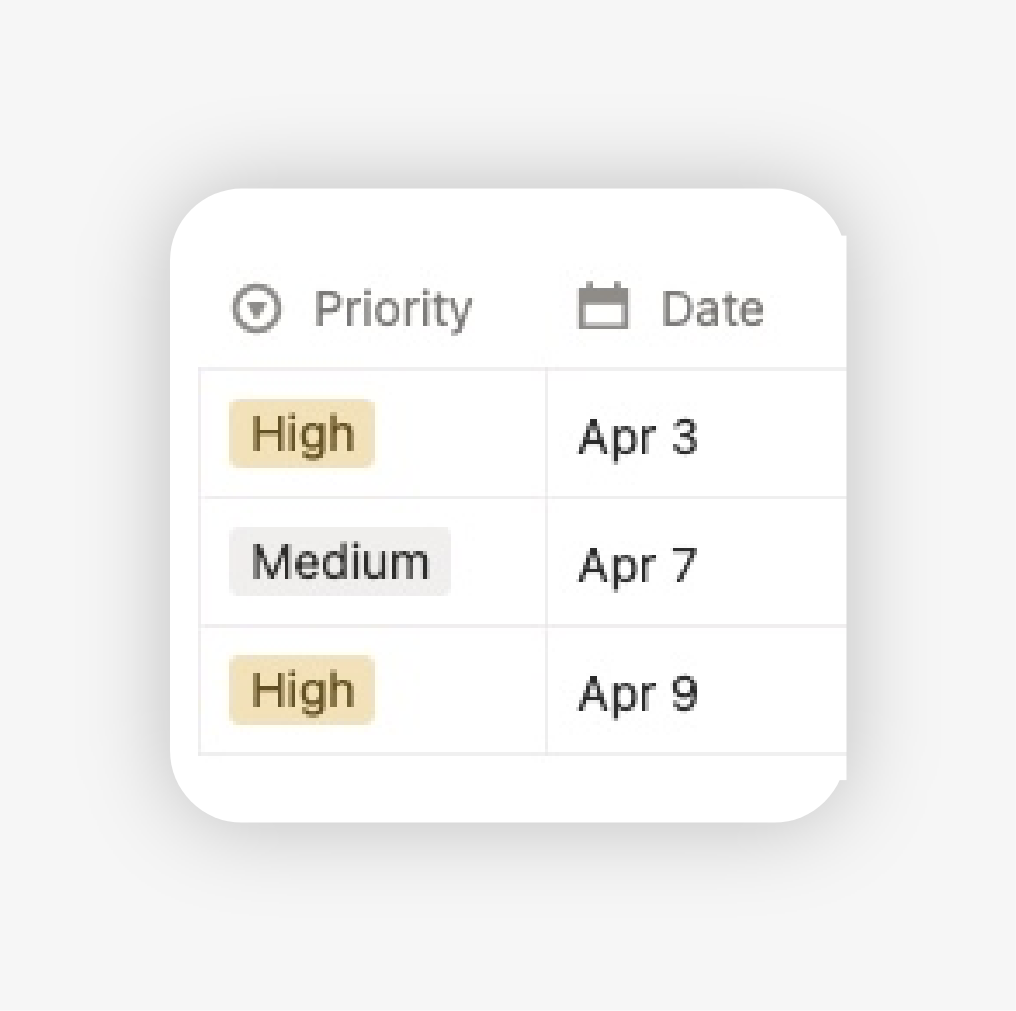
Keep due dates and urgent work visible before they become a problem.
By seeing upcoming deadlines and priority levels in one place, you can plan more realistically and avoid last-minute project chaos.
Deliverables and progress
Track what each project is producing and how far it has moved.
This gives you a better overview of project momentum and makes it easier to review what is still pending, what has already been delivered and what needs follow-up.
Project dashboards and views
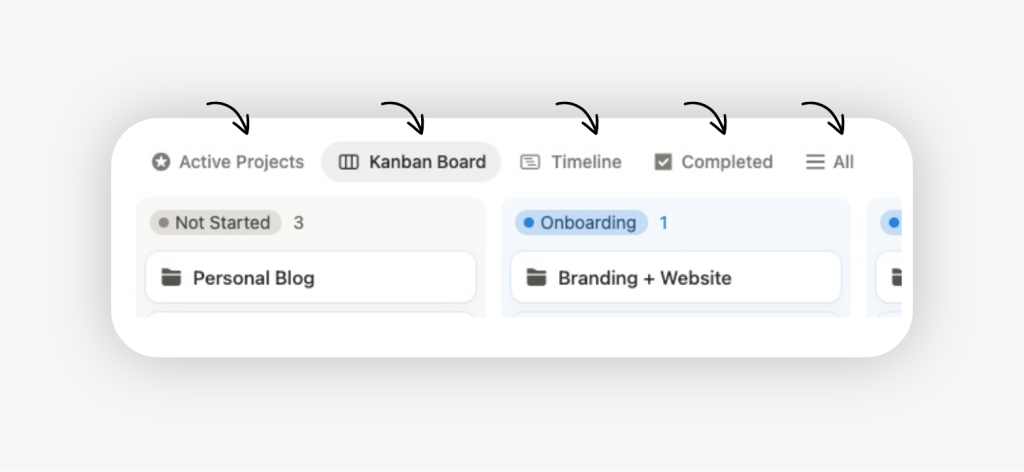
Use focused views to review active work in the way that makes most sense.
Instead of one long list, you can work from views that help you review current projects, upcoming deadlines, active tasks and the next actions that matter most.
How to start using the template
This template is built to help you move from project planning to daily execution without losing visibility across your freelance work.
Step 1: Add your current projects
Start with the projects that are in progress right now or scheduled to begin soon.
Step 2: Set a status for each project
Mark whether each project is planned, active, waiting, in review or completed, depending on how your workflow works.
Step 3: Create the next tasks for each project
Do not try to capture everything at once. Add the next meaningful actions first so the system becomes useful immediately.
Step 4: Add deadlines and priorities
This helps you see what needs attention first and gives structure to your weekly planning.
Step 5: Review your project views regularly
Use the template as your main place to check active work, upcoming deadlines and project progress throughout the week.
The value of the template does not come from filling every page perfectly on day one. It comes from having one reliable place to manage active client work with more clarity over time.
Who this template is for
Designers
Ideal for freelance designers managing multiple client projects, revisions, deadlines and deliverables at the same time.
Developers and web designers
Useful for freelancers building websites, ecommerce projects, landing pages or digital systems who need better visibility across active work and deadlines.
Photographers and videographers
Helpful for freelancers who manage shoots, editing workflows, deliverables and client timelines across multiple projects.
Writers, copywriters and marketers
A strong fit for freelancers working on recurring deliverables, campaign work, content production and deadline-driven client projects.
Consultants and strategists
Well suited for professionals who need to track project phases, action items, client deliverables and follow-up work in one place.
If you also want to manage clients, finances, documents and your wider freelance workflow in the same workspace, explore the full Freelance OS:

Frequently asked questions
What is a Notion freelance project management template?
A Notion freelance project management template helps you organise client work, track progress, manage deadlines and keep tasks connected to real projects.
Is this the same as a freelance project tracker?
Yes. This template works both as a project management system and a project tracker for freelancers who want clearer visibility over active work.
Can I manage tasks inside this template?
Yes. The template is designed to help you connect tasks to projects so your daily work stays organised in context.
Can I use this template to showcase completed projects in my portfolio?
Yes. Although the template is primarily built to manage active client work, it can also help you keep completed projects organised, making it easier to reuse them later as case studies or portfolio pieces in Notion.