
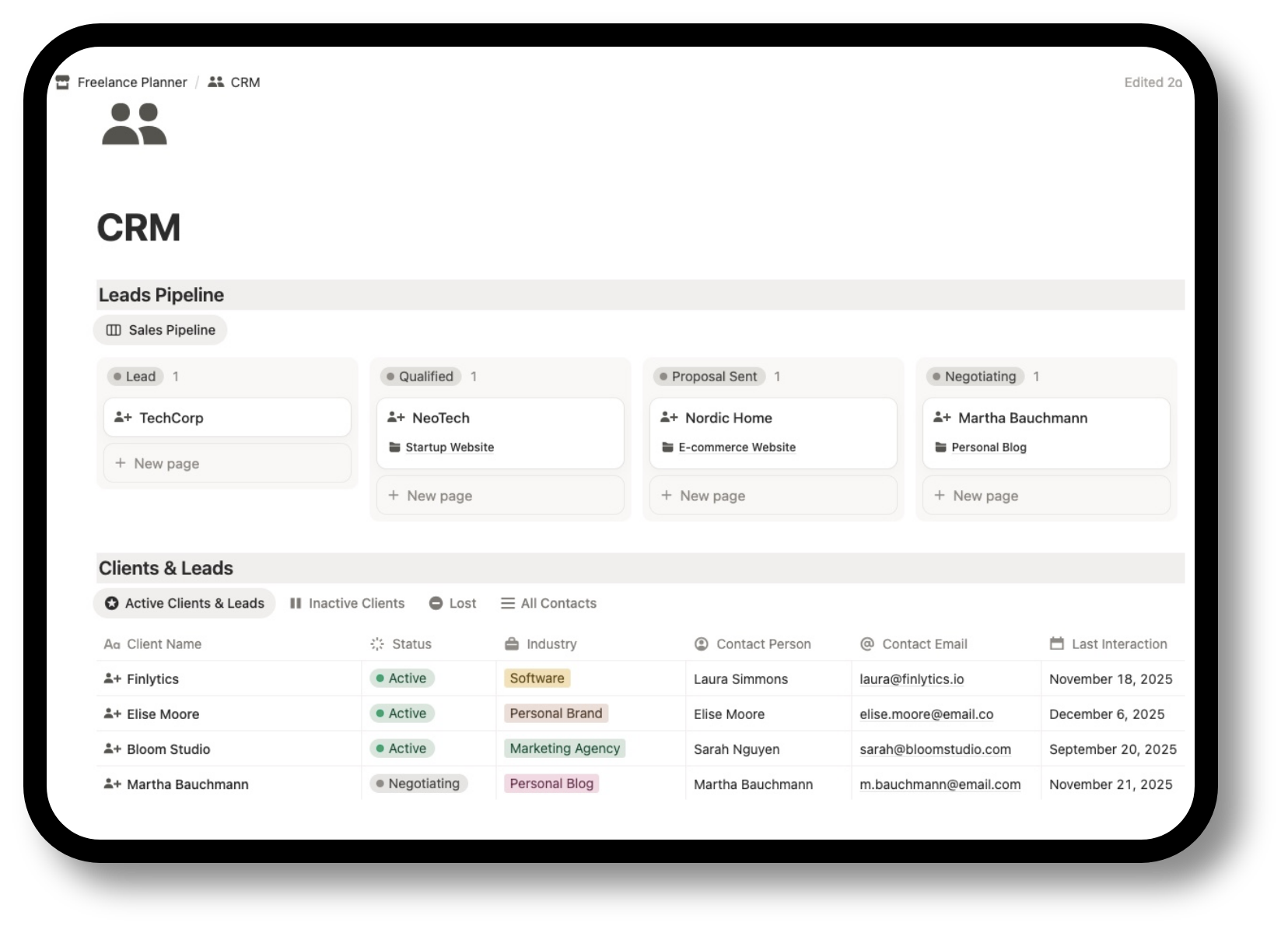
Notion Freelance CRM Template
Track leads, clients, follow-ups and project opportunities in one clear Notion workspace built for freelancers, consultants, designers, developers, photographers and other solo service businesses. If you are managing client conversations across notes, inboxes and memory, this template gives you a simpler system to organise relationships, track next steps and keep your pipeline visible.
Client management gets messy fast without a clear system
When leads, active clients, follow-ups and project discussions live across scattered tools, it becomes harder to stay consistent. Messages get lost, next steps are forgotten and opportunities go cold simply because there is no reliable place to track them.
This template gives you a cleaner client management workflow inside Notion, so you can see who you are talking to, what stage each relationship is in and what needs to happen next.
Inside the freelance CRM template
The template is built to help you manage the full client relationship workflow without unnecessary complexity.
Leads and prospects
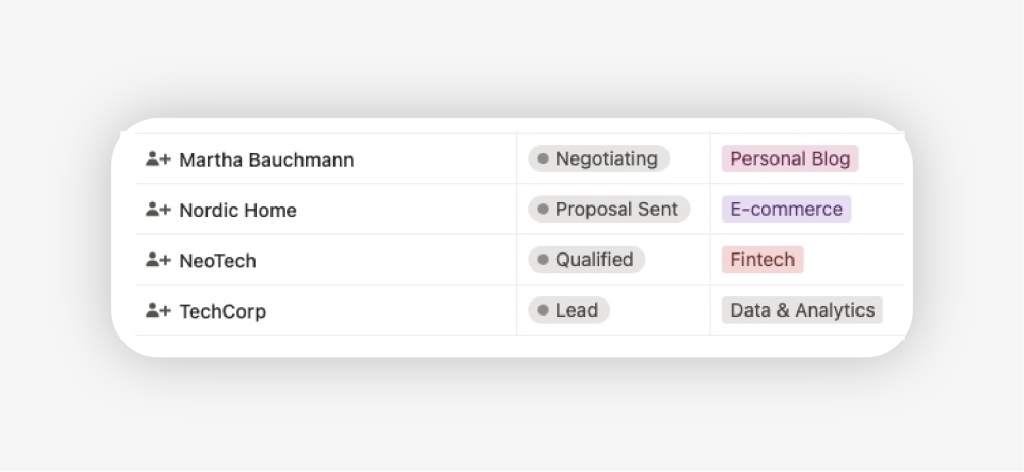
Track new enquiries, potential clients and opportunities before they become projects.
Client database
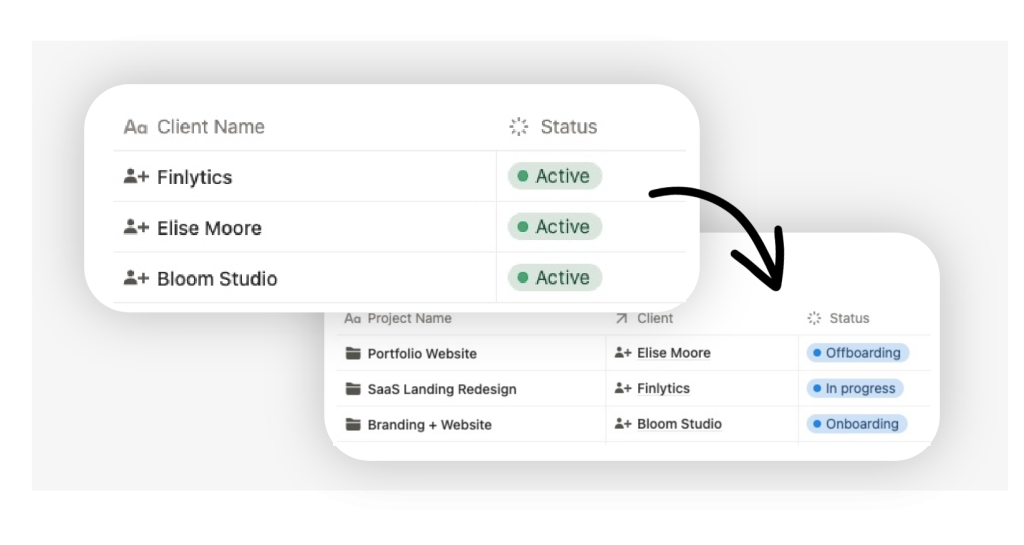
Keep an organised record of the people and businesses you work with.
Sales Pipeline views
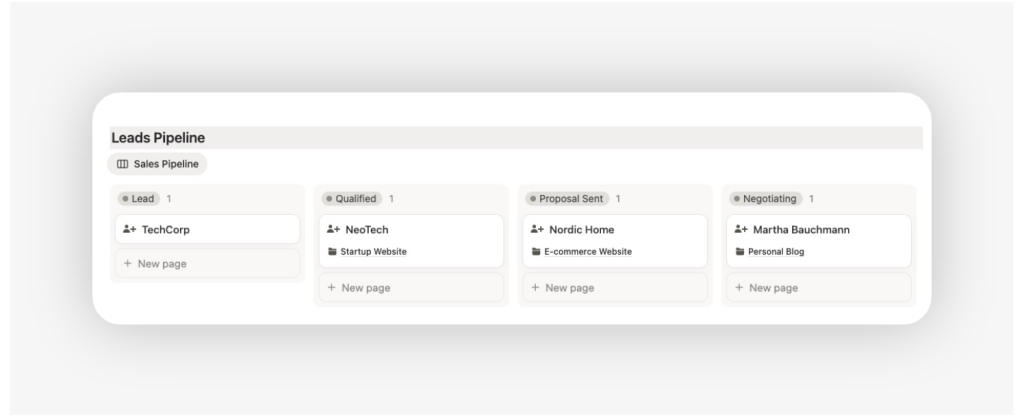
See where each contact stands, from first contact to active client.
Follow-up tracking
Know who needs a reply, a check-in or a next step.
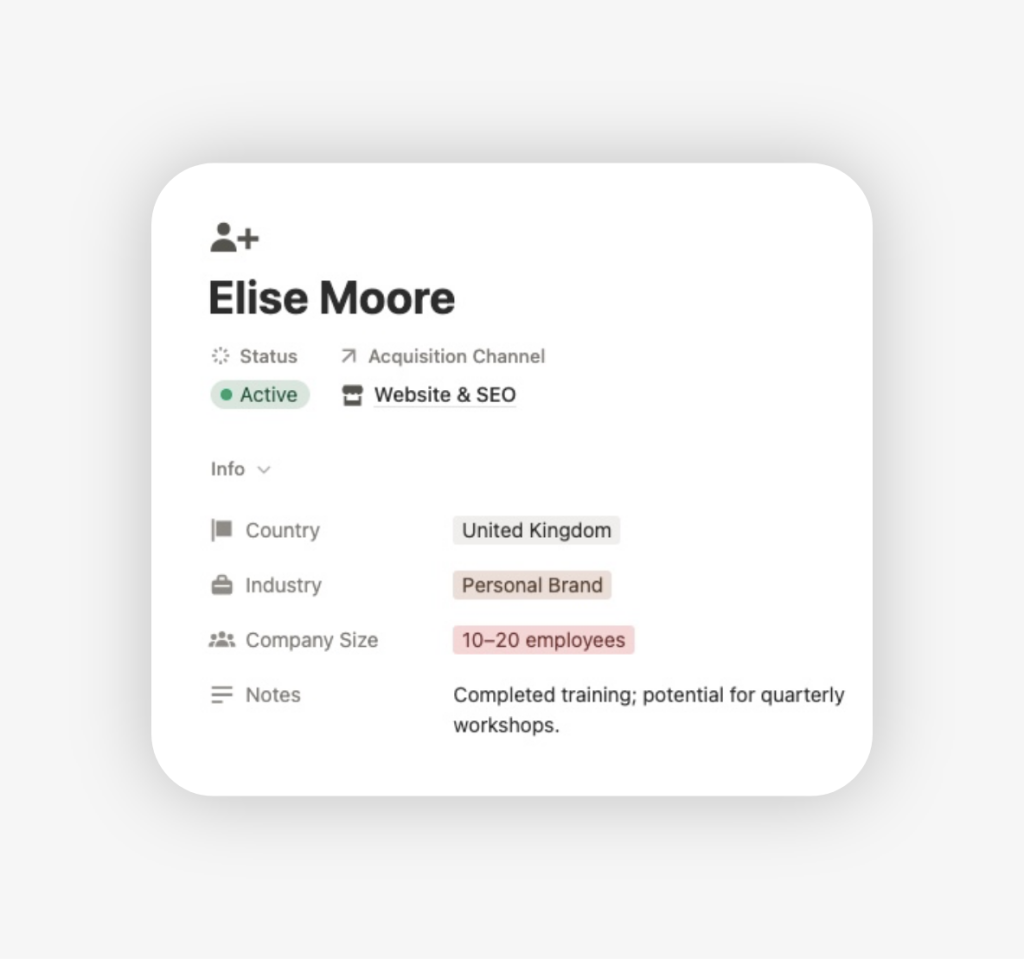
Notes and context
Store relevant details, meeting notes and relationship history in one place.
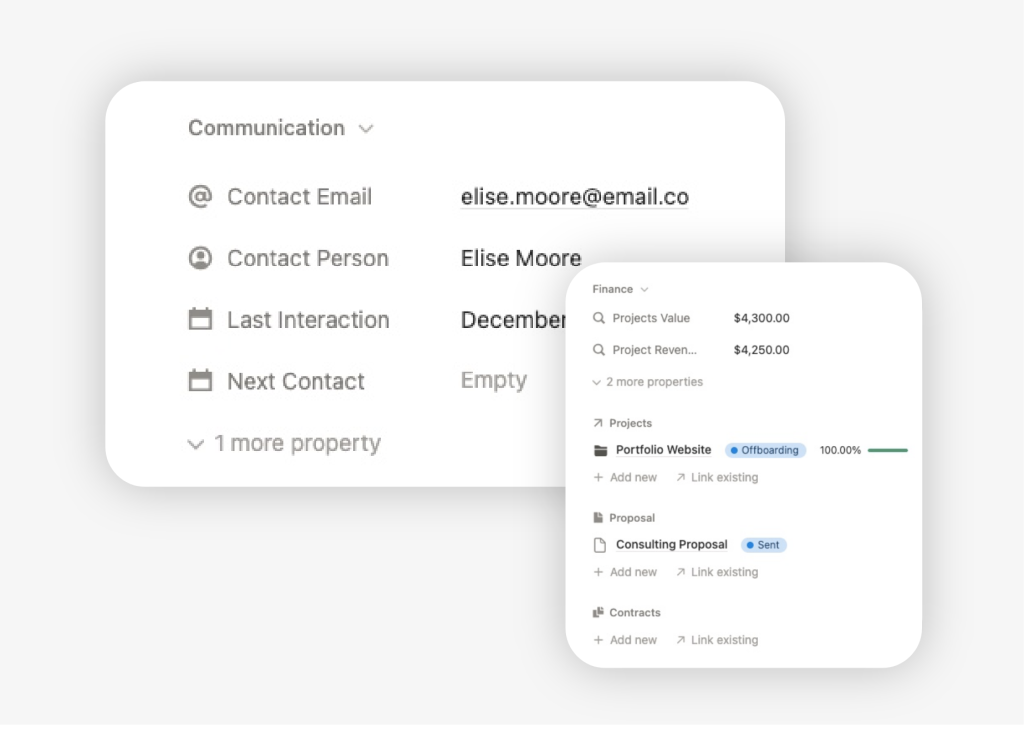
Connected workflow
Use one system to move from prospect to client with more clarity.
How the template works
Capture leads and contacts
Add new enquiries, prospects or current clients into the system as soon as they appear.
Track stage and next step
Update where each relationship stands and record the next action you need to take.
Manage your pipeline with more consistency
Use the template to review follow-ups, active opportunities and client relationships from one place.
How to start using the template
- Download the files instantly after purchase
And duplicate the template in your Notion account. - Add your current leads and active clients
Start with the contacts that already matter right now. - Define their current stage
For example: lead, warm prospect, active client or inactive. - Add the next follow-up for each one
This makes the template useful immediately. - Save notes and context as you go
Keep important details inside the same workspace instead of scattered across apps. - Review your pipeline regularly
Use the views to stay consistent and spot stalled opportunities.
Who Is This Template For?
Freelancers who rely on client work
You need a better system to manage enquiries, leads and relationships.
Designers, developers and creatives
You want a simple CRM to organise client conversations and project opportunities.
Consultants and service providers
You need to track follow-ups and keep your pipeline clearer without using a heavy CRM.
Need more than client tracking?
If you also want to manage projects, tasks, finances and business documents in the same workspace, explore the full Freelance OS.
